
Hunter vs Dropcontact: find and verify work emails
Pick Hunter if you look up addresses one company at a time: type a domain or a name, get the address with a confidence check, and send a short sequence from your own inbox. Pick Dropcontact if you already have a file or a CRM full of names and companies and want the missing emails filled in and the records tidied. The French company builds each address by algorithm instead of selling a stored contact database, which suits teams that answer to a European data protection officer. Hunter has a free plan with 50 credits a month; Dropcontact gives 50 free credits to try it.
Which one to pick

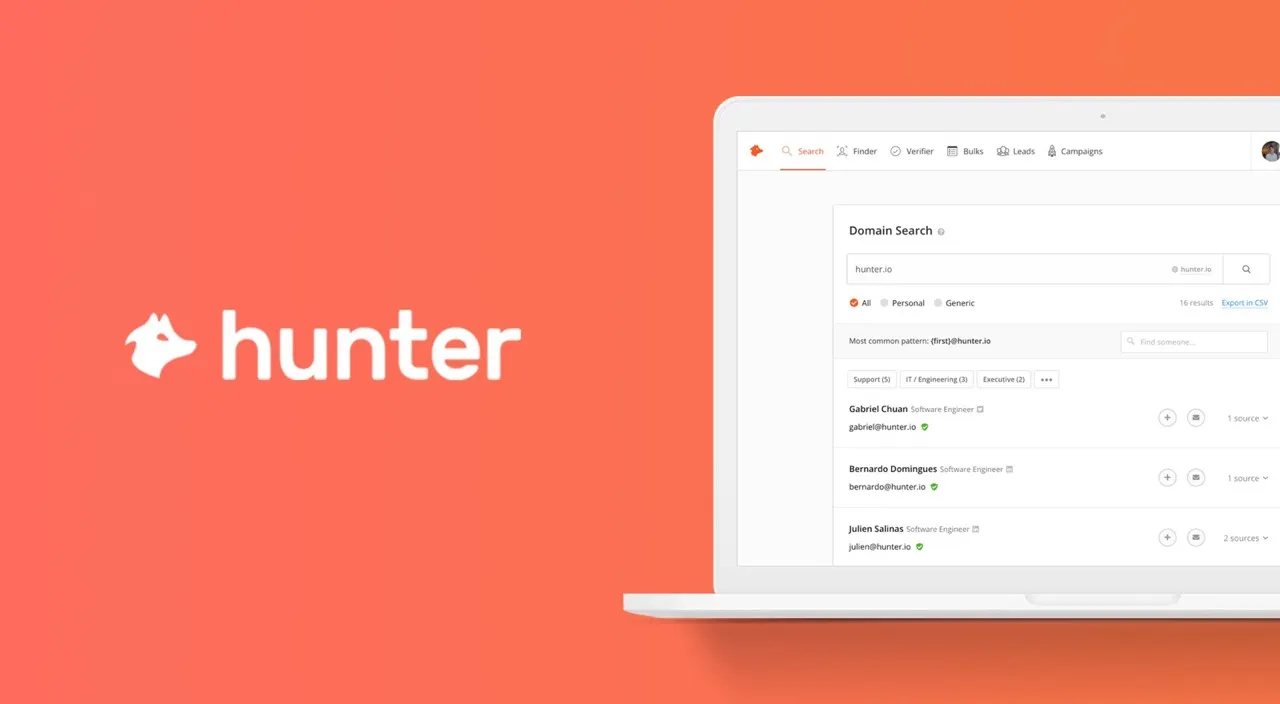
You prospect by hand, want a Chrome extension that shows addresses on a company's site, and like having simple cold email sequences in the same account.

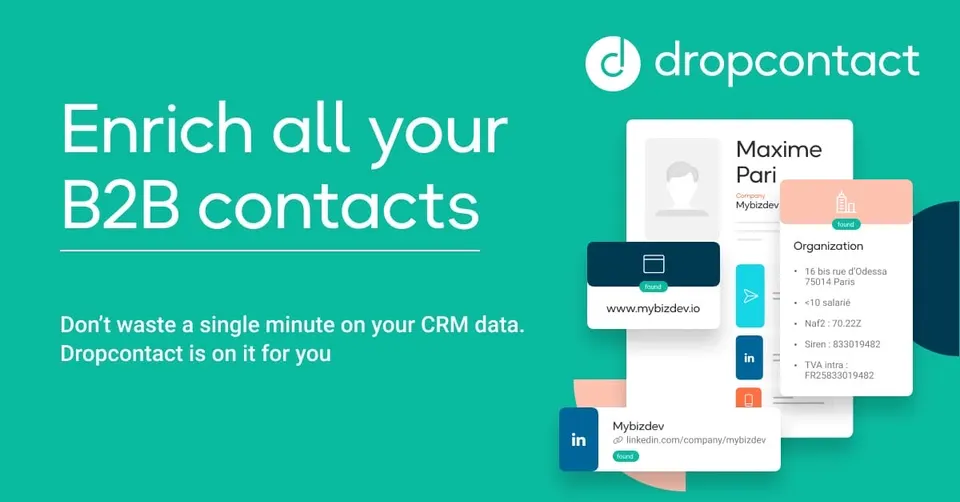
You work from spreadsheets or HubSpot, Pipedrive or Salesforce records, need bulk enrichment and deduplication, and care most about a GDPR-friendly method.
Side by side
Questions
How do the credits work?
On Hunter, finding an email costs one credit and verifying one costs half a credit, and the free plan includes 50 credits a month. Dropcontact charges per successful result, so a contact it cannot find does not use a credit. Both sell larger monthly packs on paid plans. Estimate how many new contacts you need each month before choosing a tier.
Can Dropcontact enrich my CRM automatically?
Yes, through a separate CRM enrichment subscription that connects to tools such as HubSpot, Pipedrive and Salesforce. Dropcontact then fills in emails, fixes names and merges duplicate records. Its email finder credits cannot be used for CRM enrichment, so check which plan you need. Hunter connects to CRMs too, but mainly to push the leads you find.
Is one of them better for GDPR?
Dropcontact does not keep a database of contacts; it builds and checks each address when you ask, and it states that its method was reviewed against the French regulator's standards. Hunter also publishes GDPR information and lets people opt out of its data. Whichever you use, you still need a lawful reason to email each person. Keep a note of where every address came from.
Do I get a Chrome extension with both?
Hunter has a well-known browser extension that shows the addresses linked to the website you are on. It also offers a Google Sheets add-on, an API and an MCP connection. Dropcontact works mainly through file uploads, its Google Sheets add-on, the API and CRM sync. If you research leads one tab at a time, Hunter fits that habit better.
Can I send emails from either tool?
Hunter includes Sequences, so you can send personalised cold emails and follow-ups from a connected inbox, with one account on the free plan. Dropcontact does not send emails; it prepares the data for whichever tool you send from. Pair Dropcontact with your CRM or a dedicated cold email tool. Pick Hunter if you want finding and sending in one place.