
Notion vs Obsidian: your personal knowledge base
For a personal knowledge base you fully own, Obsidian is our pick: your notes are plain Markdown files on your own device, you link them to each other and see the connections in a graph, and the core app is free. Notion suits you better if your notes need structure, such as databases, project boards and templates, or if you will share pages with other people later. Notion also has built-in AI that searches, summarises and drafts text. Obsidian takes a little longer to set up, and that effort buys privacy and files that outlive any app.
Which one to pick

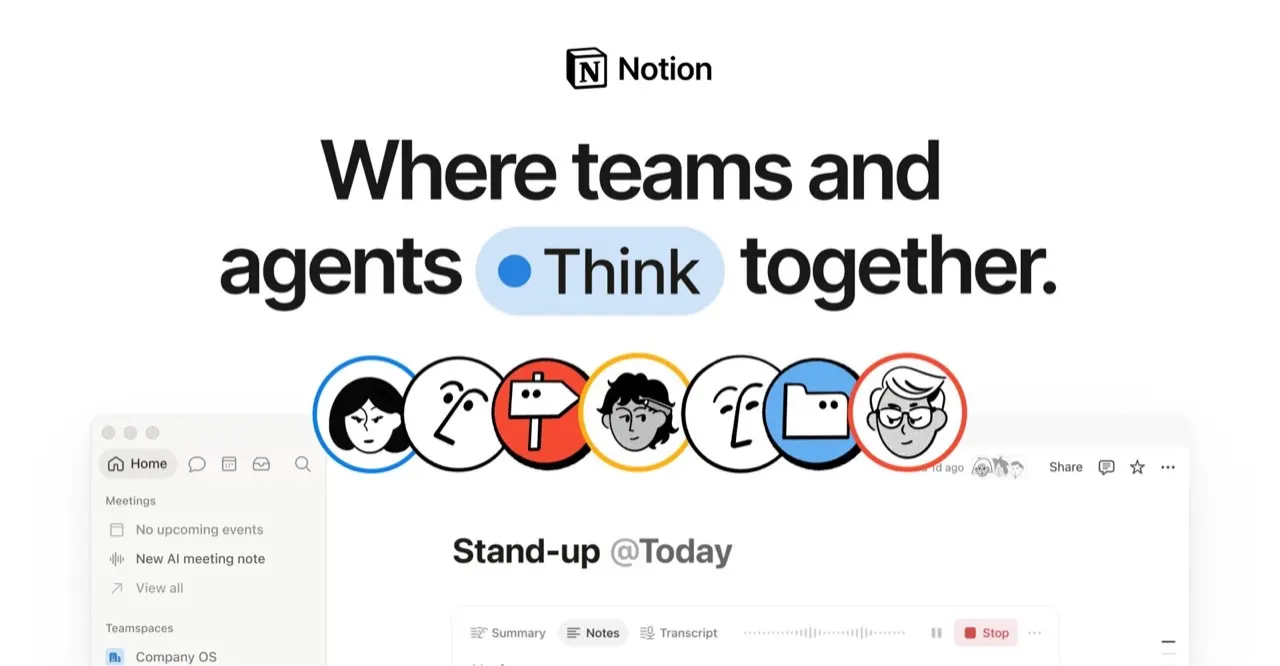
You want databases, templates and boards next to your notes, plan to share pages with a team, or like having AI summarise and draft inside the same workspace.

You write or research alone, want notes as private Markdown files on your own device, and like linking ideas and browsing them in a graph.
Side by side
Questions
Is Obsidian free?
The core Obsidian app is free, and your notes live as Markdown files on your device. Community plugins add features when you need them. Notion also has a free plan. Neither forces you to pay to keep a personal knowledge base going.
Which is more private, Notion or Obsidian?
Obsidian keeps your notes as files on your own device, so they stay with you unless you choose to sync them. Notion stores your workspace online, which makes sharing and access from any browser easy. For journals, client notes or anything sensitive, Obsidian gives you more control. For notes you want to share, Notion is more convenient.
Can I move my notes from Notion to Obsidian?
Yes. Notion exports pages as Markdown, which is the format Obsidian reads. Databases come out as tables and some layouts get flattened, so plan a tidy-up afternoon. Moving from Obsidian to another app is easier still, because your notes are already plain files.
Does Obsidian have AI like Notion?
Notion has built-in AI that searches your workspace, summarises pages and drafts text. Obsidian has no AI in the core app, though community plugins can add it. If AI help is a big part of how you want to work, Notion gets you there without setup. If you prefer your notes untouched by AI, Obsidian keeps them that way.
Which is easier to start with?
Notion is easier to start, with templates that give you a working setup in minutes. Obsidian opens as a blank folder of notes and grows as you add links and plugins. Many people find Obsidian's linking pays off after a few weeks of writing. Start with whichever matches how much structure you want on day one.