
CapCut vs Descript: short clips or talk videos
CapCut wins for short vertical video: templates, effects and auto captions on your phone, with a free start. Descript wins once people talk on camera for more than a minute, because you cut the video by deleting words in a transcript and it strips filler words for you. If your output is Reels and TikToks, stay with CapCut. If it is podcasts, interviews or tutorials, Descript saves you hours.

Which one to pick

CapCut is the pick when you film on your phone, edit trend-style clips with music, effects and captions, and want to start on mobile and finish on a laptop without paying for software.

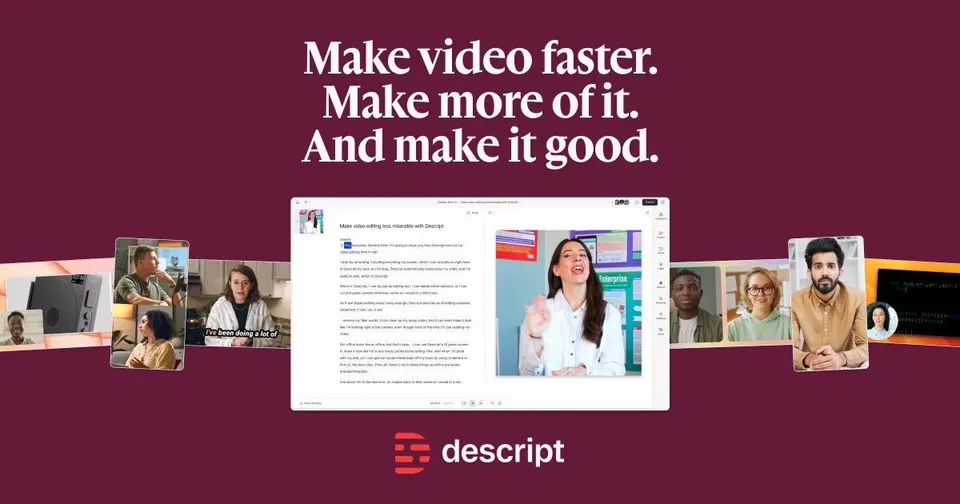
Descript is the pick when you record podcasts, interviews or screen tutorials and would rather edit text than a timeline, with recording, filler-word removal and social clips in one tool.
Side by side
Questions
Is CapCut free, and does Descript cost more?
CapCut is free to use, and paid extras exist on top. Descript also has a free plan, with paid plans billed monthly in US dollars. Our data has no confirmed price for CapCut's paid tier, so compare the two checkout pages for the features you need.
Can CapCut edit a podcast like Descript does?
CapCut can cut a podcast on its timeline and add automatic captions. It does not let you edit the recording by deleting words from a transcript, which is the core of Descript. For a 40-minute episode that difference decides how long the edit takes.
I use CapCut now. Is it worth switching to Descript?
Switch if most of your videos are people talking: interviews, webinars, explainers. Keep CapCut if you mostly make short clips with music and effects. Many creators use both, with Descript for the long recording and CapCut for the vertical cutdowns.
Which suits a solo creator, and which a small team?
CapCut is built around one person editing on a phone or laptop. Descript fits a solo podcaster too, and it also suits small teams that pass recordings and transcripts between people. If a colleague reviews your edits, Descript's shared projects help.
Do the auto captions work in Spanish, German, French and Italian?
Both generate captions automatically, and both work in Europe. Language coverage changes with updates, so test a one-minute clip in your language on the free plan before you build your workflow on it. Check the caption accuracy for names and brand terms in particular.