








































































- View all
- Edit video
- Shorts & clips
- Record podcasts
- Publish podcasts
- Writing
- Images
- Photo editing
- AI video
- AI video clips
- Voice & music
- Presentations
- AI video editing
- 3D scenes
- Video
- Lead generation
- CRM
- Cold email
- Booking
- Restaurant bookings
- Email marketing
- Follow-ups
- AI sales agents
- Schedule posts
- Social media
- Marketing copy
- Online courses
- Paid newsletters
- Paid communities
- Digital products
- Sell products online
- Sell live
- Sell on marketplaces
- Cross-list your stock
- Ship orders
- Card payments in person
- Take payments
- Proposals
- Get paid faster
- Accounting
- Client onboarding
- Customer support
- Hiring
- Learning & teaching
- Track time and bill hours
- Staff rotas and time clock
- Host your website
- Automations
- Automatic follow-ups
- Inbox & calendar agent
- Meeting notes
- AI assistants
- Email writing
- Let AI do tasks
- Build an app
- Code with AI
- AI support agent
- Connect Claude to my tools
- AI coding assistants
- Design apps & sites
- Voice & chat agents
- Design to code
- Ship and deploy
- Error triage
- Ask your database
- Enrich data
- Summarise docs
- Research
- Analyse data
- Web scraping
- Chat
- Personal assistants
- Agents & automation
Edit video
“Edit videos automatically”
1 of 2
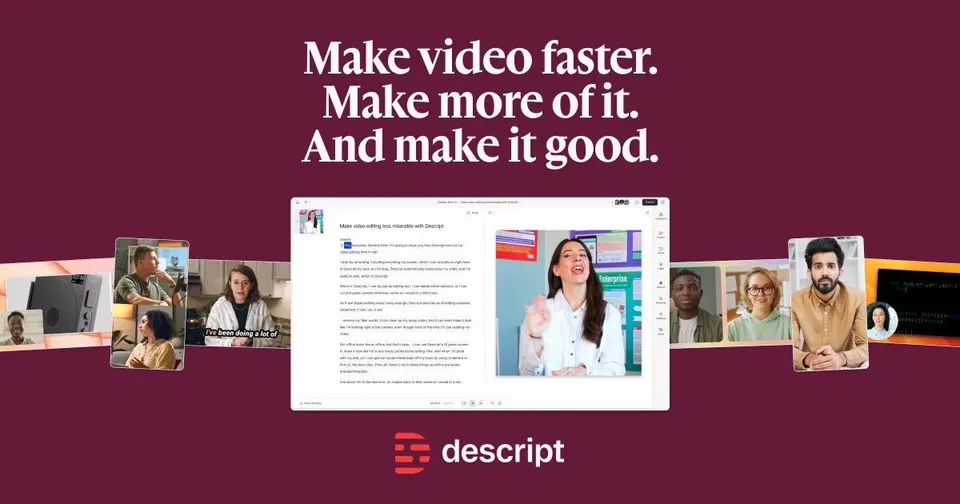
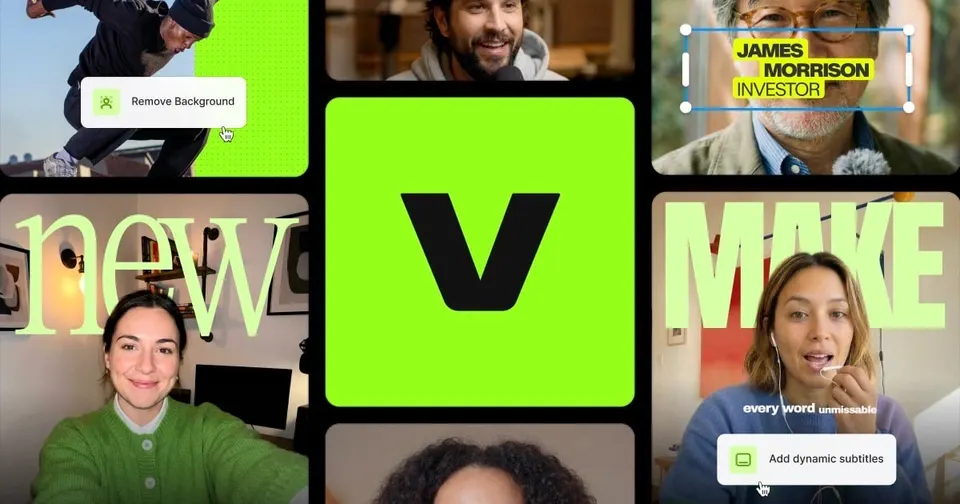
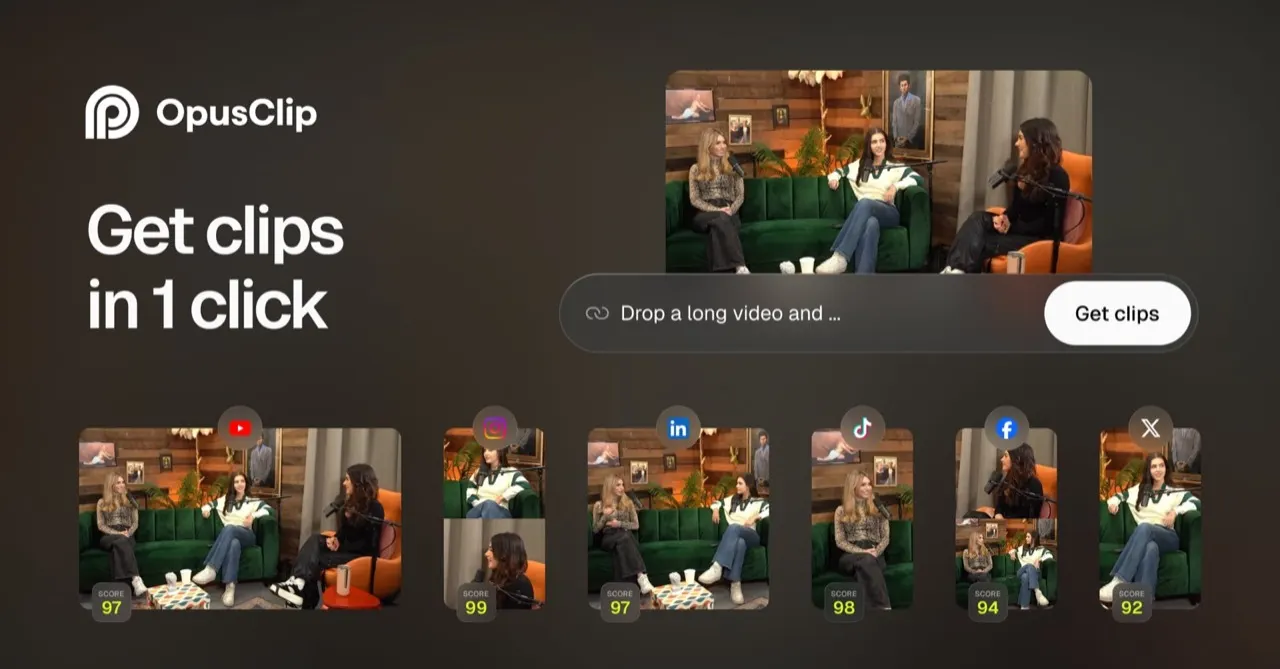
Start from the footage you shoot, because each editor automates a different part of the job. CapCut is free on phone, desktop and web, with templates and auto captions for short social video. Descript lets you cut a podcast or interview by deleting words from the transcript. OpusClip finds the strongest moments in a long video and reframes them vertically, while Captions and VEED add subtitles to talking-head clips with little manual editing.







Side by side
Price, free plan, ease of use and the team size each one suits.
Why these picks
Independent reviews, facts checked at the source, and our own use.
- Ranked from independent reviewsReviews read 2 Oct 2026
We score how often and how high each tool appears in independent best-of reviews.
- Facts checked at the sourcePrices last checked 1 Oct 2026
Prices, free plans and offers come from each provider's own website, checked every week by our software and reviewed by us.
- Nobody pays for a place
The order comes from the reviews and the facts. Offers are only the providers' own.
Head to head
Pairs people weigh up that include one of these picks.
Questions
What people ask about edit video.
Podcast or short social clips: do I need a different AI editor for each?
For podcasts and interviews, Descript is the natural fit: you edit the transcript and the audio and video follow. To turn those long episodes into Shorts, Reels and TikToks, OpusClip picks the moments, reframes them and scores each clip. For clips you film yourself, Captions trims pauses, corrects eye contact and adds animated captions. CapCut covers everyday social edits with templates and effects.
Can I edit videos with AI for free?
All five editors here have a free plan. CapCut is free to use and covers most short-form editing, including automatic captions. Descript, OpusClip, Captions and VEED each let you start free before you pay. Free tiers usually limit export quality, length or how many clips the AI processes, so test them on a real project.
Do I still need Premiere or Final Cut if I use these tools?
For social clips, podcasts and talking-head videos, these editors cover the whole job without a timeline-heavy desktop app. Descript takes you from recording to publishing in one tool, and VEED has a built-in screen and webcam recorder. A traditional editor still makes sense for colour grading or complex multi-camera work. Many creators use an AI editor for volume and a desktop editor for the occasional big piece.
How accurate are automatic subtitles in Spanish, German, French or Italian?
Automatic captions handle clear speech in the main European languages well, and you then correct names and jargon by hand. VEED adds subtitles and translates them into other languages. Captions can dub your videos into other languages as well. Read through every caption before publishing, since one wrong word in a burnt-in subtitle stays there for good.
Can a small team share one video editor?
Descript and VEED suit small and medium teams, so several people can work on the same projects. CapCut, OpusClip and Captions are aimed at solo creators and small teams. Marketing teams often use VEED to turn raw recordings into captioned clips without installing software. Pick the editor the person publishing most often already likes, and add seats from there.