
Figma vs Framer: design a product or ship a site
Choose Framer when the thing you are designing is a marketing website: you lay it out on a canvas, add a CMS and animations, and publish with hosting and SEO settings included. Choose Figma when a developer will build the result, such as an app, a product interface or a site in your own codebase. Figma's Dev Mode gives developers the specs, and it has a free plan. Framer removes the hand-off entirely for sites, which is its main advantage.
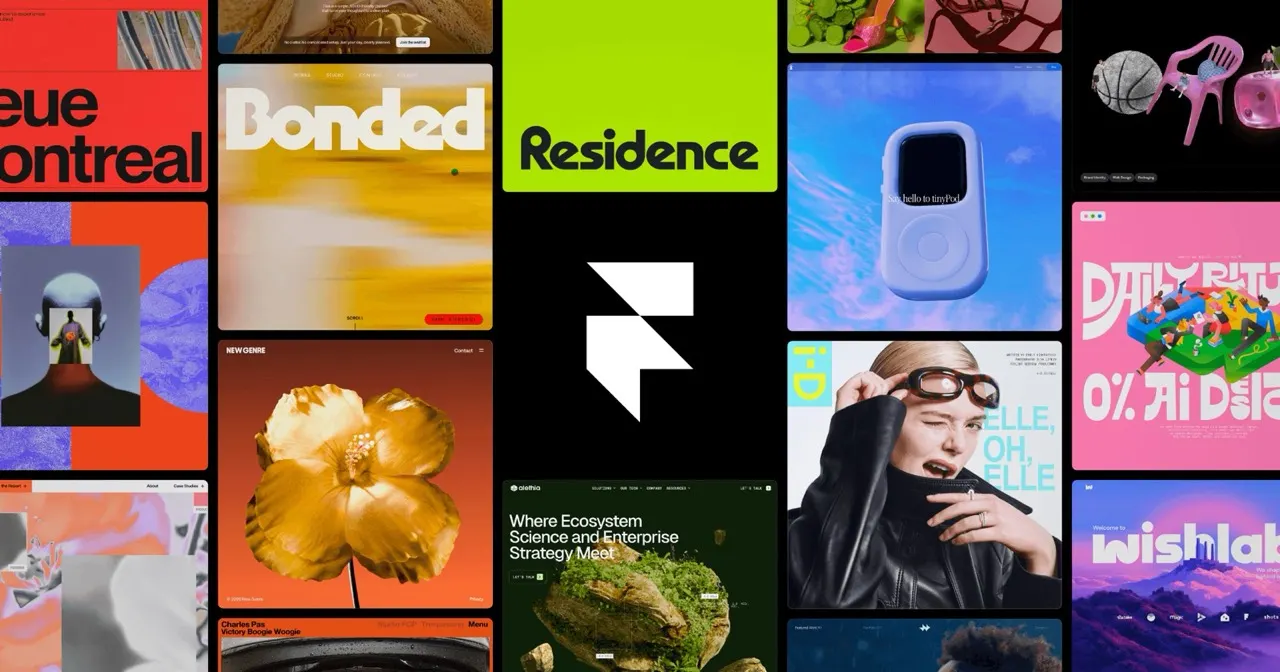
Which one to pick

You design app screens or product interfaces that developers will build, want designers and developers in one file with Dev Mode, or need a free plan to start.

You want a polished marketing site, landing page or portfolio live without a developer, with hosting, a CMS and localisation handled in the same tool.
Side by side
Questions
Can Framer replace Figma?
For marketing websites, often yes: you design and publish in Framer, so there is no separate design file to hand over. For apps and product interfaces, no, because Framer builds websites rather than specs for developers. Many teams keep Figma for the product and Framer for the site. Look at what you ship before cancelling either.
Is Figma free, and is Framer?
Figma has a free plan, which is enough to try it on a real project. Framer has a free plan, but a live site on your own domain needs a paid plan. Both price in US dollars. Check the current tiers on each website, since site plans and seat plans are priced differently.
Can I import a Figma design into Framer?
Framer offers a way to bring Figma designs across, but treat it as a starting point and expect to rebuild layouts and interactions. Framer's own canvas and AI first draft are often faster for a fresh site. Plan time for responsive breakpoints after any import. Test the result on mobile before publishing.
I build sites for clients on my own. Figma or Framer?
A freelancer who designs and delivers small business websites gets more from Framer, because the client receives a live site with a CMS they can update. A freelancer who designs apps for development teams needs Figma, since that is the file developers expect. Some freelancers use both. Price the Framer site plan into your client quote.
Do they work for sites in Spanish, German, French or Italian?
Both are available across our European markets. Framer includes localisation, so you can publish one site in several languages from the same project. Figma designs in any language, but the build happens elsewhere. For a German or French client who needs a bilingual site, Framer covers more of the job.