




































































 Figma
FigmaCollaborative interface design in the browser.
The right prototyping tool depends on what happens after the mockup. Uizard turns a prompt, screenshot or paper sketch into clickable screens, good for testing an idea before you pay a designer. v0 generates a working React and Next.js app whose code you keep. Figma stays the shared file for designers and developers, with a free plan and Dev Mode for handoff, and Framer AI builds and hosts a marketing site from the same canvas.
We score how often and how high each tool appears in independent best-of reviews.
Prices, free plans and offers come from each provider's own website, checked every week by our software and reviewed by us.
The order comes from the reviews and the facts. Offers are only the providers' own.
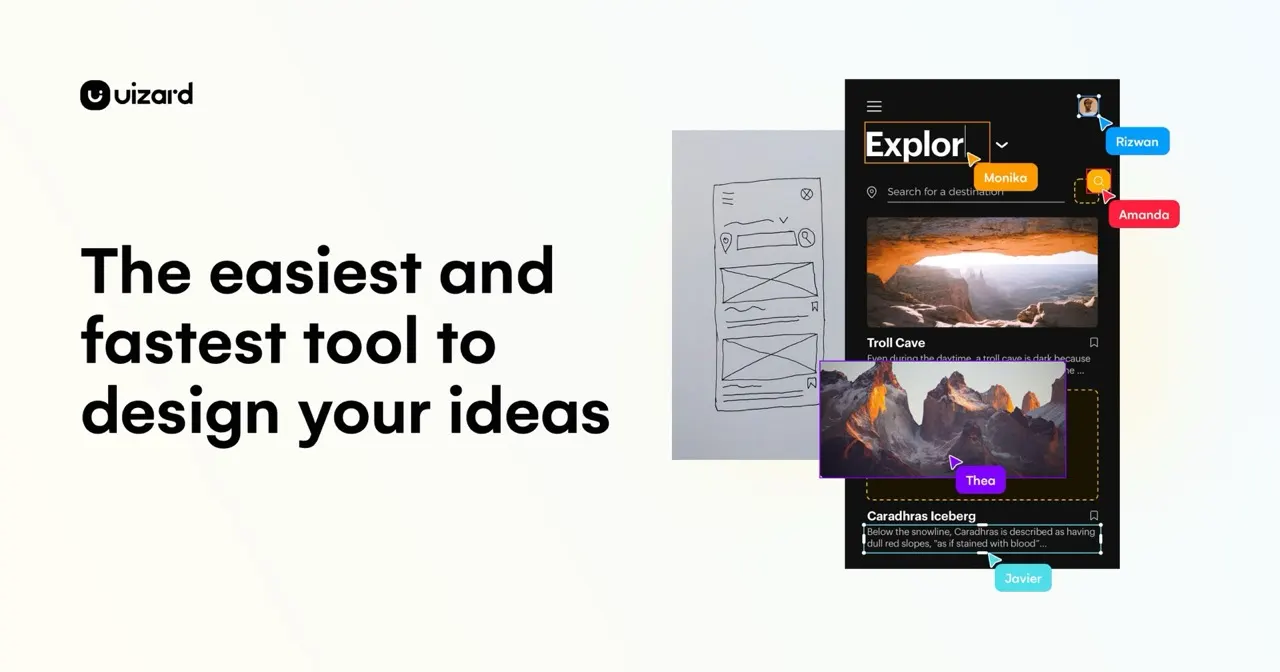
Uizard is built for founders and product managers without design training. Describe the app, upload a screenshot of something similar or photograph a paper sketch, and it produces screens you can click through. Share the prototype for feedback before spending on design or development. If testers like it, a designer can take it further in Figma.
Figma and v0 can each be used free. Figma's free plan covers designing and prototyping interfaces with your team. v0's free plan lets you generate and refine a React app by chatting. Uizard and Framer AI both let you start on a free plan, then charge for full use.
AI tools give you a fast first version, while Figma is where a team refines it. Designers, developers and marketers work in the same Figma file, and Dev Mode gives developers the specs. For a quick test of an idea you can skip it. Once a product has several people working on it, a shared design file saves arguments.
v0 is the closest: it outputs React and Next.js code that is yours to keep, edit and deploy to Vercel. Uizard prototypes are for testing and feedback, so a developer rebuilds them. Framer publishes live websites with hosting, a CMS and SEO settings built in, so a marketing site can go straight to production. Plan for a developer to review generated code before real users depend on it.
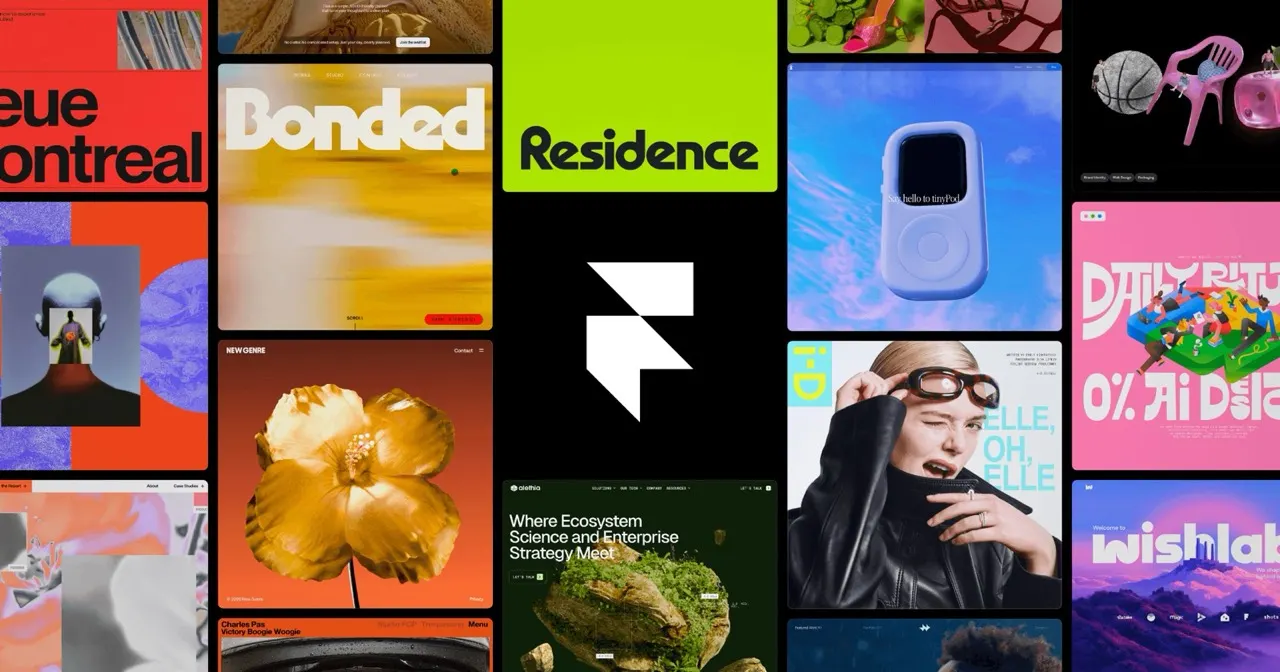
Framer suits a marketing site that a designer builds and edits without code, with animations, a CMS and localisation built in. v0 suits a site or app that developers will extend in React. If the site is mostly pages and content, pick Framer. If it needs logins, dashboards or custom features, v0 gives you code to build on.