
Motion vs Sunsama: automatic or hands-on plans
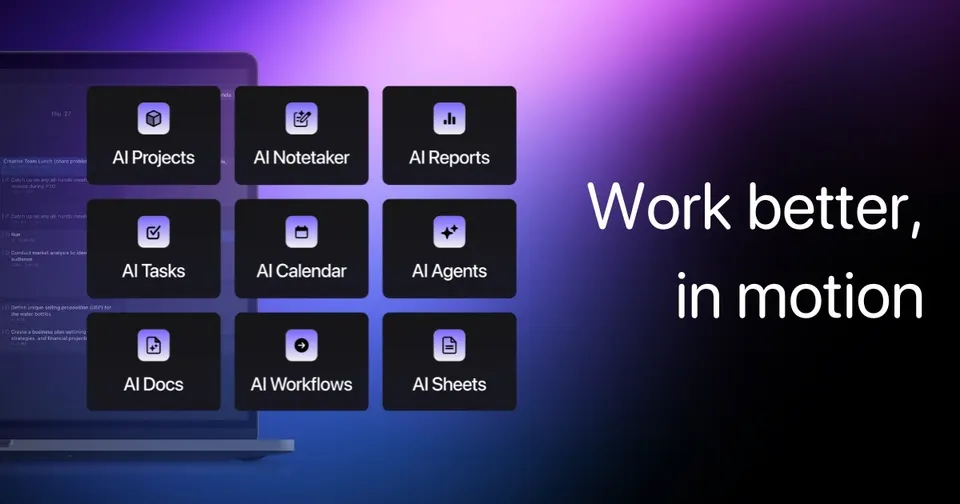
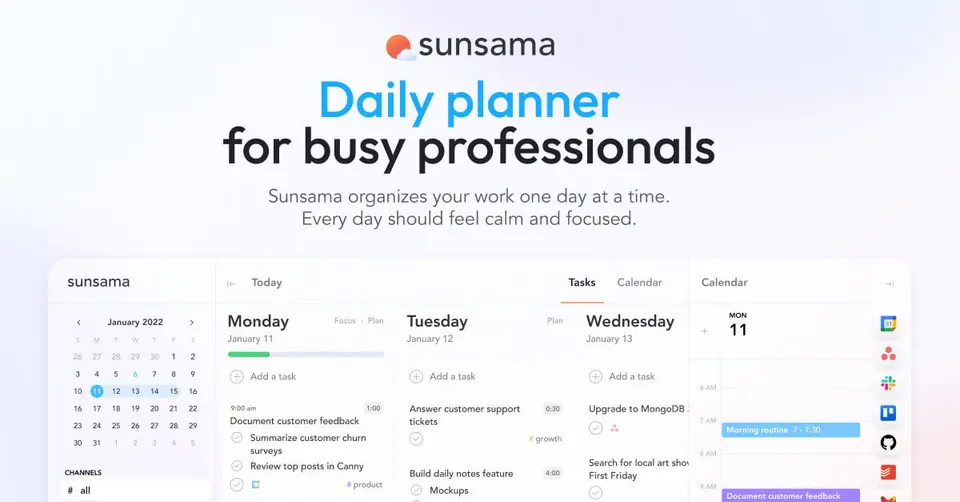
Motion suits you if you want the planning done for you: it places tasks and projects into free calendar slots by priority and deadline, and rebuilds the day when a meeting moves. Sunsama suits you if you want to stay in charge: each morning you pick tasks from Asana, Trello, Gmail or Slack, estimate them and drag them onto the calendar yourself. On price they sit close: $19 a month for Motion against $17 for Sunsama. Founders juggling projects lean to Motion; people who overplan lean to Sunsama.
Which one to pick

Your work has many projects and hard deadlines, you would rather not decide each slot by hand, and you want the plan rebuilt whenever a meeting shifts.

You like choosing your day's work yourself, need a nudge to stop overfilling it, and value a short shutdown step that closes each evening.
Side by side
Questions
Does Motion or Sunsama cost less?
Sunsama is $2 cheaper at entry level: $17 a month against Motion's $19, both in US dollars. You will find no free tier for either. The price gap is small, so pick on working style instead. Check each pricing page for annual discounts before you pay.
Will Motion move my tasks without asking?
Yes, that is its core feature: Motion reschedules tasks when a meeting runs over or a task slips. You set priorities and deadlines, and it decides where each task goes. Some people find that freeing, others find it unsettling. Sunsama leaves every placement to you, so nothing moves unless you move it.
Can I keep my tasks in Asana or Trello?
Sunsama imports tasks from Asana, Trello, Gmail and Slack, so your team tools stay as they are. Motion works best when tasks and projects live inside Motion itself. If your company runs on another project tool, Sunsama fits with less disruption. If you work alone, moving everything into Motion is easier.
Do they suit a small team?
Motion is built for founders and small teams who share projects and deadlines. Sunsama centres on one person's daily plan, though teammates can each use it. For a team that needs shared scheduling, Motion goes further. For individuals who want calmer days, Sunsama is the lighter choice.
Which one helps against burnout?
Sunsama asks you to estimate each task, so you see in the morning when the day holds more than your working hours. Its shutdown routine marks a clear end to work. Motion fills free time with tasks by design, so you need to set working hours with care. If long evenings are your problem, Sunsama addresses it directly.