
Notion vs ClickUp: wiki first or tasks first
Pick Notion if your team's work starts with writing: plans, meeting notes and a company wiki, with project boards and simple databases built around them. Pick ClickUp if work starts with tasks and deadlines, since it gives you lists, boards, Gantt charts, docs, whiteboards and team chat in one app. Each has a free tier and an AI assistant. Notion is quicker to learn, while ClickUp takes more setup but replaces more of your other tools.

Which one to pick
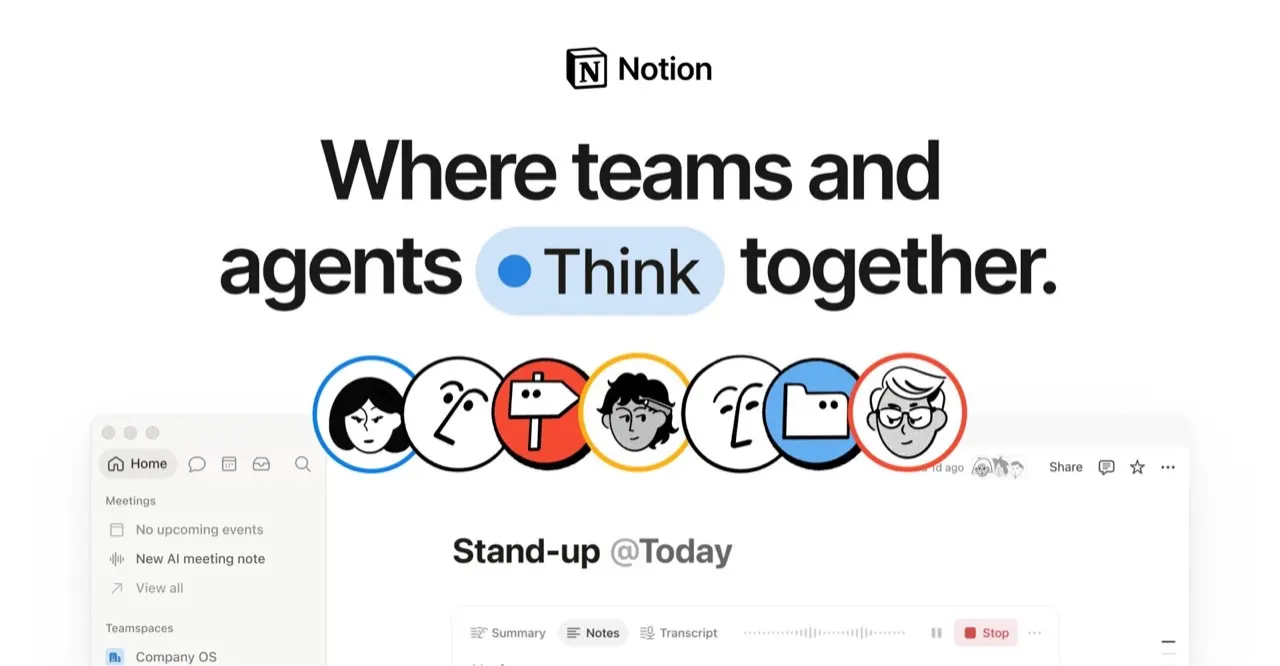
Notion is the better pick for a small team that wants one place for docs, a shared wiki and lightweight project boards, and that already talks in Slack, which Notion connects to natively.

ClickUp is the better pick for a team juggling many deadlines and dependencies, that wants Gantt views and built-in chat, and is ready to spend a few days setting up its workspace.
Side by side
Questions
Do Notion and ClickUp cost the same?
You can start free on either; paid plans are billed per user per month in US dollars. The real cost difference shows up in the tools you can cancel: ClickUp's chat and whiteboards may replace other subscriptions. Count those before comparing the headline prices.
How far does the free plan go on each?
Notion's free plan works well for personal notes and a small shared workspace. ClickUp's free plan lets a small team try tasks, docs and views before moving everything over. Both put limits on advanced features and AI on the free tier.
Can I move from Notion to ClickUp, or back?
Both import from other tools, and docs and task lists move over reasonably well. Databases with custom relations and automations need rebuilding by hand. Move one project first, run it for two weeks, then decide on the rest.
Which works better for a freelancer on their own?
Notion suits a solo freelancer better: one workspace for client notes, a content calendar and a simple task board, with little setup. ClickUp works alone too, but its many views and settings pay off more once several people share deadlines. ClickUp also scales up to large teams, which Notion is not listed for.
Are Notion and ClickUp available in Spain, Germany, France and Italy?
Yes, both are sold across Europe, and your team writes in whatever language it uses day to day. Prices are set in US dollars. Under GDPR, sign the data processing agreement each vendor offers before you store client data in the workspace.