
Sunsama vs Akiflow: the daily planner to pick
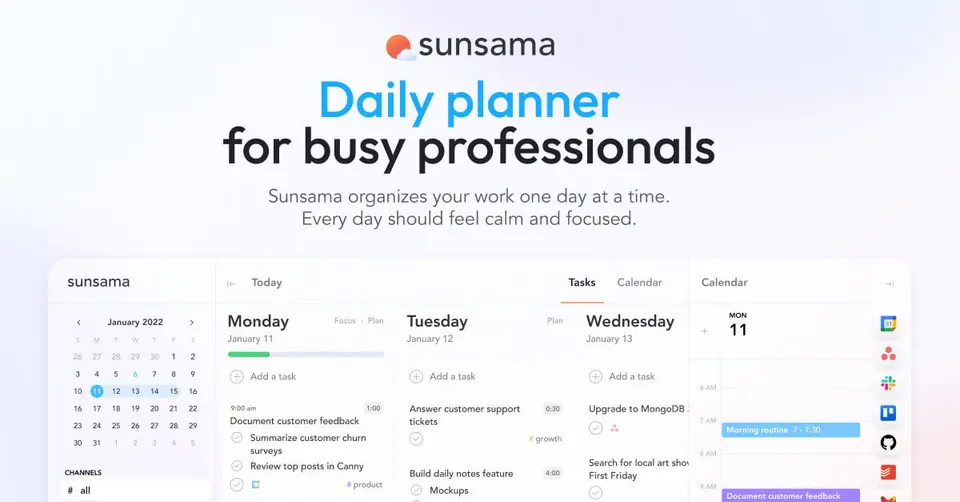
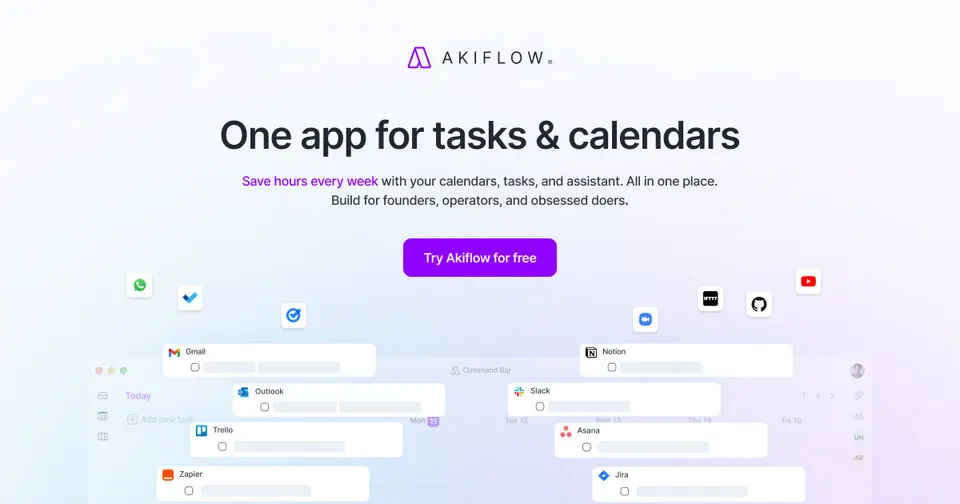
Pick Sunsama if you overcommit: its morning routine makes you estimate each task and drag only what fits onto your calendar, and a shutdown step closes the day. Pick Akiflow if your problem is tasks scattered across email, Slack, Notion and Asana, because it gathers them into one inbox you clear with keyboard shortcuts. You pay for either one: $17 a month gets you Sunsama, $19 gets you Akiflow.
Which one to pick

You plan more than you can finish, want a guided ritual at the start and end of each day, and care more about a realistic plan than about speed.

Tasks reach you from many apps, you like working from the keyboard, and you want one inbox where every request lands before you block time for it.
Side by side
Questions
Do Sunsama and Akiflow have free plans?
You pay from day one with both planners: Sunsama from $17 a month, Akiflow from $19, billed in US dollars. Check each site for a trial before you commit. Plan real workdays during the trial, since both tools only prove themselves after a week of use.
Which apps can I pull tasks from?
Sunsama imports tasks from Asana, Trello, Gmail and Slack, among others. Akiflow collects tasks from email, Slack, Notion, Asana and more into a single inbox. List the three apps where most of your work arrives. Then confirm both tools connect to them before you move your planning over.
Is the daily routine in Sunsama worth the extra minutes?
The morning routine takes a few minutes and asks you to estimate how long each task will take. That step stops you from filling a day with ten hours of work. If you often end the day with half your list untouched, the routine pays off quickly. If your days are already realistic, Akiflow's faster flow may suit you better.
Is Akiflow hard to learn?
Akiflow leans on keyboard shortcuts, so the first days feel slower than the mouse. Once the shortcuts stick, triaging the inbox and blocking time takes seconds. People who live in tools like Superhuman or Linear usually adapt fastest. If you prefer dragging with the mouse, Sunsama feels more natural from day one.
Do they replace my task manager?
Both sit on top of the tools where your tasks already live and pull them into a daily plan. Your team can keep working in Asana or Trello while you plan in Sunsama or Akiflow. For personal tasks you can create them directly in either app. Keep your project tool for shared work and use the planner for your own day.