














Skip to content

Make content

Make content

Make videos, podcasts and posts.
1 of 3

Choose by the format you will publish every week, not by the flashiest demo. For talking-head video or podcasts, a transcript-based editor covers recording, editing and clipping in one place; if you sell products, a background remover and an image tool do more for you than a video generator. AI video and music generators are worth paying for short shots and backing tracks once your basic routine runs. Leave 3D and paid avatar tools until a client or campaign asks for them.

Which one to pick

Our pick in each category, and the situation it suits.

Editing short social videos on your phone?

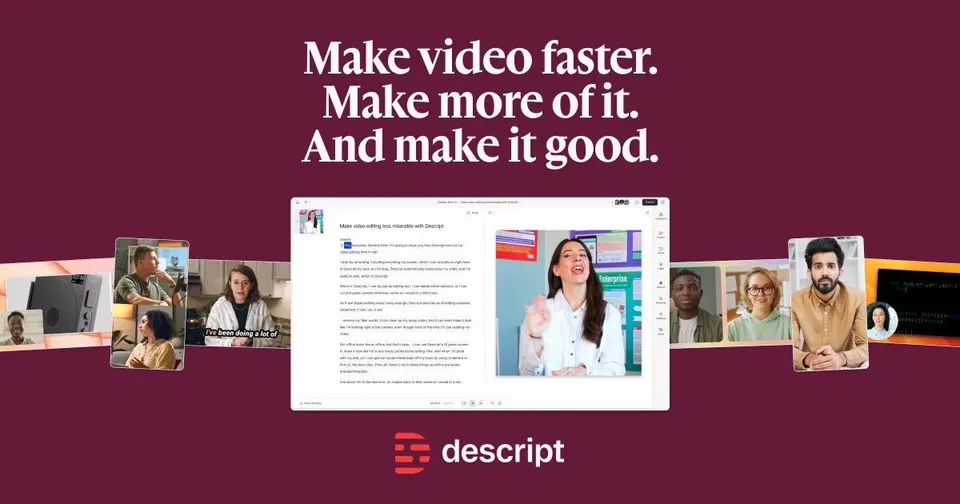
CapCut costs nothing, runs on mobile, desktop and the web, and lets you start an edit on your phone and finish it on a computer. If you edit podcasts or talking videos, Descript turns the recording into a transcript you cut like a document, with a free plan to start. VEED works in the browser and adds subtitles with translation, which helps for captioned clips.

CapCutDescriptVEED

Want a week of Shorts from one long episode?

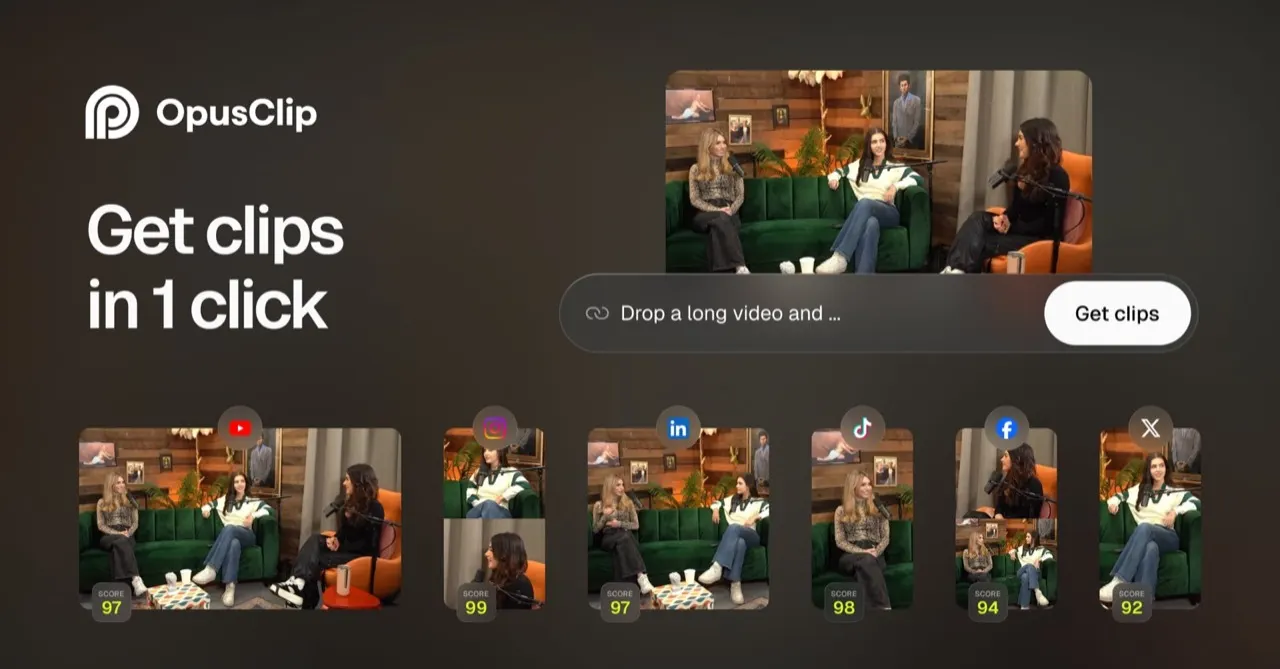
OpusClip picks the strongest moments from a long video, reframes them vertically and gives each clip a virality score, and you can try it for free. Submagic adds animated captions, B-roll and zooms to short videos in seconds, for brands posting every day. Klap starts from a YouTube link or a podcast episode and returns vertical clips with captions.

OpusClipSubmagicKlap

Recording guests who live in another city?

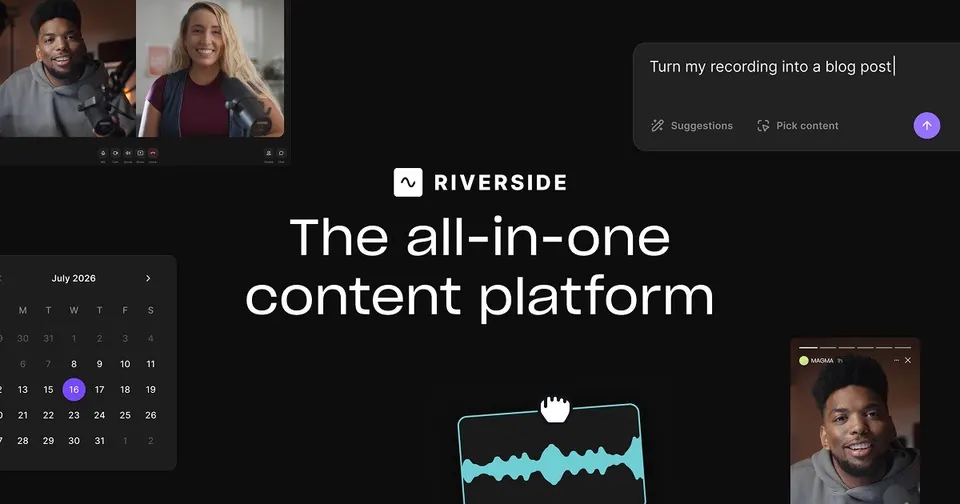
Riverside records each guest locally in up to 4K, so a dropped connection does not spoil the take, and you then edit by transcript. Zencastr also captures every voice in the guest's browser, with nothing to install, and can host the finished episode. To go live while you record, StreamYard streams to YouTube, LinkedIn and Facebook at once and keeps a separate track per speaker.

RiversideZencastrStreamYard

Where should a new show live once it is recorded?

Spotify for Creators hosts audio and video episodes at no cost and gives you an RSS feed for Apple Podcasts too. Buzzsprout suits first-time podcasters with a clear dashboard, though its free plan keeps each episode online for 90 days. Transistor starts at $19 a month for as many shows as you like, with private feeds for members or staff.

Spotify for CreatorsBuzzsproutTransistor

Need help with emails, posts or a novel?

ChatGPT covers daily writing, research and quick answers, and its free plan handles the basics. Grammarly checks grammar and tone wherever you type, which suits teams writing to clients every day. For fiction, Sudowrite starts at $10 a month, and its Story Bible keeps characters consistent across a manuscript.

ChatGPTGrammarlySudowrite

Making social graphics, posters or concept art?

Canva suits small businesses doing their own marketing: it turns a prompt into a post or an ad, and paid use starts at $144 a year. Ideogram puts clear, legible text inside the image, which helps for logos and thumbnails. Midjourney produces artistic concept art and moodboards, with no free plan.

Canva Magic DesignIdeogramMidjourney

Shooting product photos for Etsy or Vinted?

Photoroom removes the background, places the item in an AI scene with a shadow and offers templates sized for Vinted, Etsy and Shopify. Pixelcut suits sellers who shoot and list from their phone, with batch editing and AI backgrounds. When a picture is small or soft, Magnific enlarges it and returns a sharper version.

PhotoroomPixelcutMagnific AI

Need a presenter on screen without filming anyone?

HeyGen turns a script into a video read by an AI avatar or a digital twin of you, and translates it with the voice synced to the lips. Synthesia covers over 140 languages, so it fits teams keeping training material in several languages. For one personalised video per prospect, Tavus builds a replica of a person from a short recording.

HeyGenSynthesiaTavus

Generating a short cinematic shot from a prompt?

Veo adds its own sound and dialogue to each clip, and access starts at £4.49 a month through the Gemini app. Kling is known for realistic human movement at a low price and offers a free plan. Luma starts at $25 a month, and its Ray models give smooth motion for concept films and pitch visuals.

VeoKling AILuma Dream Machine

Looking for a voiceover or a jingle?

ElevenLabs reads text aloud in many languages, clones voices and dubs videos, and you can try it before paying. Murf lets you adjust pitch, pace and emphasis line by line for voiceovers on videos and slides. For an original song with vocals, Suno writes one from a short prompt, and paid plans give you commercial rights.

ElevenLabsMurf AISuno

Turning an outline into a deck before Monday?

Gamma builds slides from a description and exports to PowerPoint or PDF, which suits founders and consultants who present often. Pitch, from Berlin, lets a team edit a deck together and shows how people viewed a shared link, with a free plan for small teams. Beautiful.ai starts at $12 a month and keeps spacing tidy as you add content.

GammaPitchBeautiful.ai

Want AI to drive your video editor?

DaVinci Resolve combines editing, colour grading, audio and effects in one free application. Claude connects to MCP servers through Claude Desktop, so it can act on your own tools and files. Descript edits video through its transcript and removes filler words, and a free plan lets you try it.

DaVinci ResolveClaudeDescript

Need 3D for a game, a print or a landing page?

Blender covers modelling, animation and rendering in one free, open-source app. Meshy creates textured models from a prompt or a picture and exports them for games or 3D printing. Spline runs in the browser and embeds interactive scenes in a website, where visitors can move and click them.

BlenderMeshySpline

Making ads, explainers or social video with AI?

Runway generates clips from text, images or footage and adds editing and visual effects tools, for a cinematic look without a crew. HeyGen and Synthesia turn a script into a presenter video, and Synthesia handles over 140 languages. Captions finishes videos you film yourself, with animated captions and eye contact correction.

RunwayHeyGenSynthesiaCaptions

Questions

What people ask about make content.

Which content tools does a one-person business need to start?

Start with one editor and one design tool. CapCut is free on phone, desktop and web for short video, and Canva's AI tools make social posts, ads and slides from a short prompt on a free plan. An AI assistant such as ChatGPT or Claude, both free to try, helps you draft scripts and captions. Add podcast hosting or AI video later, once you publish on a schedule.

Can I record, edit and clip a podcast in one app?

Descript gets closest: you record, edit the transcript like a document, cut filler words and make social clips, all on a free plan to start. Riverside records each remote guest locally in up to 4K, then lets you edit by transcript and pull short clips with AI. You still need a host to get the show onto Spotify and Apple Podcasts. Buzzsprout and Podbean have free plans, while Transistor starts at $19 a month and runs several shows on one plan.

Do I need paid video software or are free editors enough?

Free editors cover a lot of ground. CapCut handles templates, automatic captions and background removal at no cost, and the free version of DaVinci Resolve covers editing, colour grading and audio for serious projects. Paid tools mostly buy you time: OpusClip and Submagic turn long recordings into captioned Shorts in minutes. Pay once you publish often enough that cutting each clip by hand slows you down.

Which AI video tool suits ads and social clips?

It depends whether you need a presenter or a shot. HeyGen and Synthesia turn a script into a video with a realistic avatar, and Synthesia works in over 140 languages, which helps for training across markets. Runway, Kling AI, Veo and Higgsfield generate short clips from a prompt or an image, and Veo starts at £4.49 a month with sound and dialogue included. Use them for single shots, then finish the edit in your usual editor.

Can I use AI images, voices and music in business content?

Many small brands do, but read each tool's terms on commercial use first. Suno, for example, grants commercial rights to your songs only on paid plans, and Midjourney has no free plan at all. ElevenLabs turns text into speech in many languages and lets you test narration voices for free. For product photos, Photoroom and Pixelcut edit pictures you shot yourself, which keeps ownership simple.