








































































- View all
- Edit video
- Shorts & clips
- Record podcasts
- Publish podcasts
- Writing
- Images
- Photo editing
- AI video
- AI video clips
- Voice & music
- Presentations
- AI video editing
- 3D scenes
- Video
- Lead generation
- CRM
- Cold email
- Booking
- Restaurant bookings
- Email marketing
- Follow-ups
- AI sales agents
- Schedule posts
- Social media
- Marketing copy
- Online courses
- Paid newsletters
- Paid communities
- Digital products
- Sell products online
- Sell live
- Sell on marketplaces
- Cross-list your stock
- Ship orders
- Card payments in person
- Take payments
- Proposals
- Get paid faster
- Accounting
- Client onboarding
- Customer support
- Hiring
- Learning & teaching
- Track time and bill hours
- Staff rotas and time clock
- Host your website
- Automations
- Automatic follow-ups
- Inbox & calendar agent
- Meeting notes
- AI assistants
- Email writing
- Let AI do tasks
- Build an app
- Code with AI
- AI support agent
- Connect Claude to my tools
- AI coding assistants
- Design apps & sites
- Voice & chat agents
- Design to code
- Ship and deploy
- Error triage
- Ask your database
- Enrich data
- Summarise docs
- Research
- Analyse data
- Web scraping
- Chat
- Personal assistants
- Agents & automation
Shorts & clips
“Turn a podcast into short clips”
1 of 2
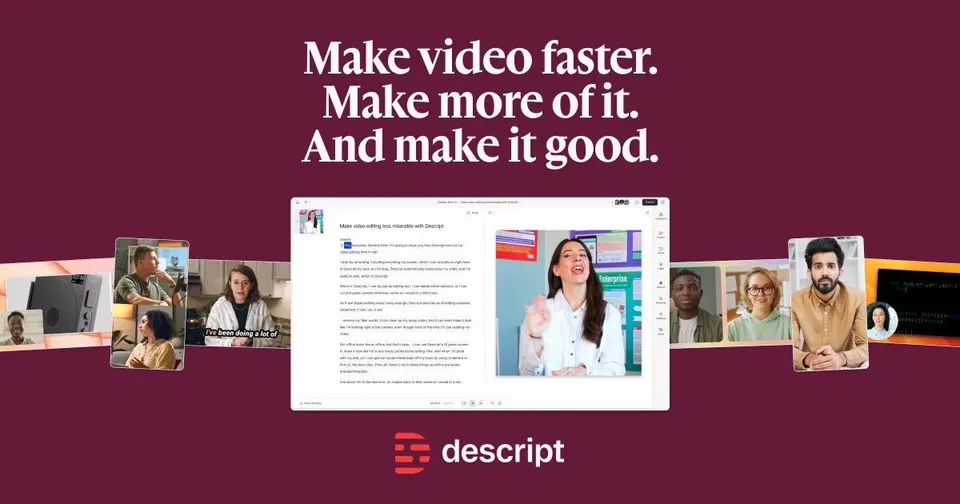
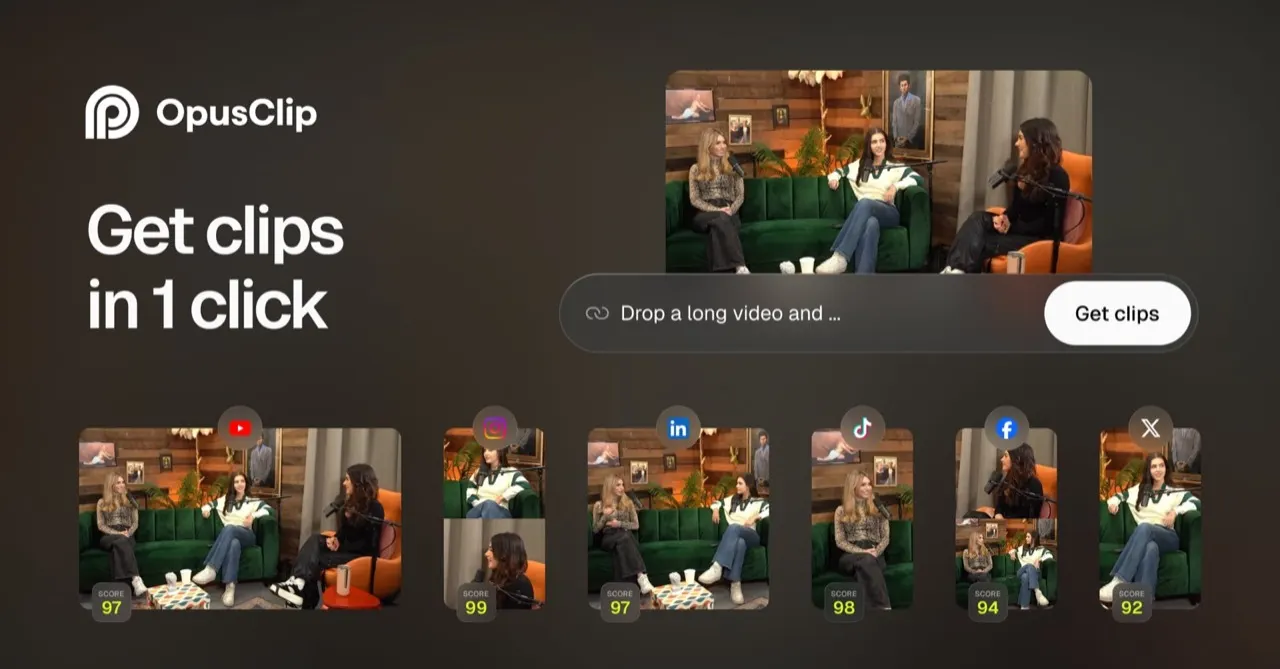
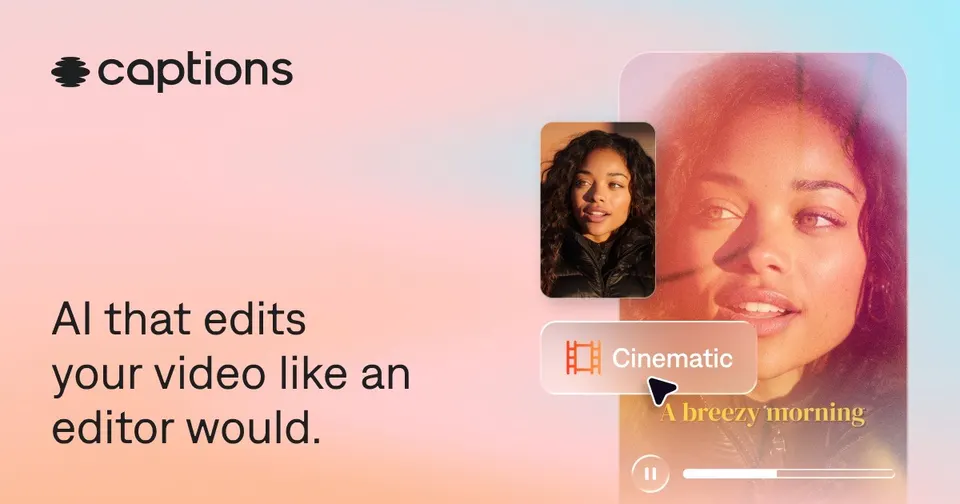
Clipping tools split into two camps. OpusClip, Klap and vidyo.ai pick highlights for you, reframe them to vertical and add captions, which suits a weekly podcast with little editing time. Descript gives you more control: you edit the transcript like a document and cut clips by hand. Submagic and Captions polish a short once it exists, with animated captions, zooms and trimmed pauses. Pick one finder and, if you post daily, one polisher.







Side by side
Price, free plan, ease of use and the team size each one suits.
Why these picks
Independent reviews, facts checked at the source, and our own use.
- Ranked from independent reviews
We score how often and how high each tool appears in independent best-of reviews.
- Facts checked at the sourcePrices last checked 3 Oct 2026
Prices, free plans and offers come from each provider's own website, checked every week by our software and reviewed by us.
- Nobody pays for a place
The order comes from the reviews and the facts. Offers are only the providers' own.
Head to head
Pairs people weigh up that include one of these picks.
Questions
What people ask about shorts & clips.
Should I let AI pick the clips or choose them myself?
AI pickers such as OpusClip, Klap and vidyo.ai scan the whole episode and suggest moments that might work as shorts. OpusClip also gives each clip a virality score, which helps you decide what to post first. You still know your audience better, so review the picks before they go out. Descript suits hosts who want to choose the exact sentence a clip starts and ends on.
Which clipping tools have a free plan to try on one episode?
Descript, OpusClip and Captions each list a free plan. That is enough to run one episode through and compare the clips side by side. Submagic, vidyo.ai and Klap are paid only, so test them once you know the free options fall short. Watch for watermarks and export limits on free tiers before you post anything.
I already edit in Descript: do I need another tool for shorts?
Descript already cuts clips for social media, removes filler words and records, so many podcasters stop there. A separate picker such as OpusClip saves time when you would rather not hunt for highlights yourself. Submagic adds B-roll, zooms and sound effects that Descript users sometimes miss for daily shorts. Add a second tool only if your weekly clip count keeps slipping.
How many clips should I cut from one podcast episode?
Most shows get three to eight usable clips from an hour, depending on how many moments stand alone without context. Post them across the week to keep the channel active between episodes. Klap and vidyo.ai prepare the same clip for TikTok, Reels and Shorts, so one cut covers all three. Check which clips bring listeners to the full episode and cut more of that kind.
Can these tools caption clips in Spanish, German, French or Italian?
Submagic captions videos in many languages, and Captions can dub a video into other languages. Check the transcript accuracy on a short test clip in your language first, since names and slang trip up any model. Proofread captions before posting, because most viewers watch shorts with the sound off. A wrong word on screen hurts more than a rough cut.