































































- View all
- Edit video
- Shorts & clips
- Record podcasts
- Publish podcasts
- Writing
- Images
- Photo editing
- AI video
- AI video clips
- Voice & music
- Presentations
- AI video editing
- 3D scenes
- Video
- Lead generation
- CRM
- Cold email
- Booking
- Restaurant bookings
- Email marketing
- Follow-ups
- AI sales agents
- Schedule posts
- Social media
- Marketing copy
- Online courses
- Paid newsletters
- Paid communities
- Digital products
- Sell products online
- Sell live
- Sell on marketplaces
- Cross-list your stock
- Ship orders
- Card payments in person
- Take payments
- Proposals
- Get paid faster
- Accounting
- Client onboarding
- Customer support
- Hiring
- Learning & teaching
- Track time and bill hours
- Staff rotas and time clock
- Host your website
- Automations
- Automatic follow-ups
- Inbox & calendar agent
- Meeting notes
- AI assistants
- Email writing
- Let AI do tasks
- Build an app
- Code with AI
- AI support agent
- Connect Claude to my tools
- AI coding assistants
- Design apps & sites
- Voice & chat agents
- Design to code
- Ship and deploy
- Error triage
- Ask your database
- Enrich data
- Summarise docs
- Research
- Analyse data
- Web scraping
- Chat
- Personal assistants
- Agents & automation
Record podcasts
“Record a remote podcast”
1 of 2
A remote podcast lives or dies on audio when a guest's connection wobbles, so look for local recording per person. Riverside and Zencastr capture each guest in their browser, with Riverside going up to 4K video. Descript wins on editing: you cut the episode by deleting words from the transcript. Add OpusClip or Captions later if you want a steady flow of vertical clips from each episode.








Side by side
Price, free plan, ease of use and the team size each one suits.
Why these picks
Independent reviews, facts checked at the source, and our own use.
- Ranked from independent reviewsReviews read 2 Oct 2026
We score how often and how high each tool appears in independent best-of reviews.
- Facts checked at the sourcePrices last checked 2 Oct 2026
Prices, free plans and offers come from each provider's own website, checked every week by our software and reviewed by us.
- Nobody pays for a place
The order comes from the reviews and the facts. Offers are only the providers' own.
Head to head
Pairs people weigh up that include one of these picks.
Questions
What people ask about record podcasts.
Do my guests need to install anything to join a recording?
Zencastr guests join from a link, with nothing to install. Riverside and StreamYard also run in the browser, so a guest opens the invite and joins the studio. Each of these records a local track per speaker. A dropped Wi-Fi signal then spoils far less of the take.
Can I record and edit a podcast on a free plan?
Descript, Riverside, Zencastr and StreamYard all have free plans. That covers a pilot episode or two before you commit. Descript's free plan lets you edit by transcript and remove filler words. Paid tiers add more recording hours and higher export quality, so check the limits once you publish weekly.
I already record on Zoom. Is a podcast studio worth it?
A video call records the mixed stream, so one guest's bad connection lands in your final audio. Riverside, Zencastr and StreamYard record each speaker locally and upload clean tracks. You also get separate files per voice, which makes levelling and cutting crosstalk easier. For an occasional chat, Zoom may be enough.
How do I turn an hour-long episode into Shorts and Reels?
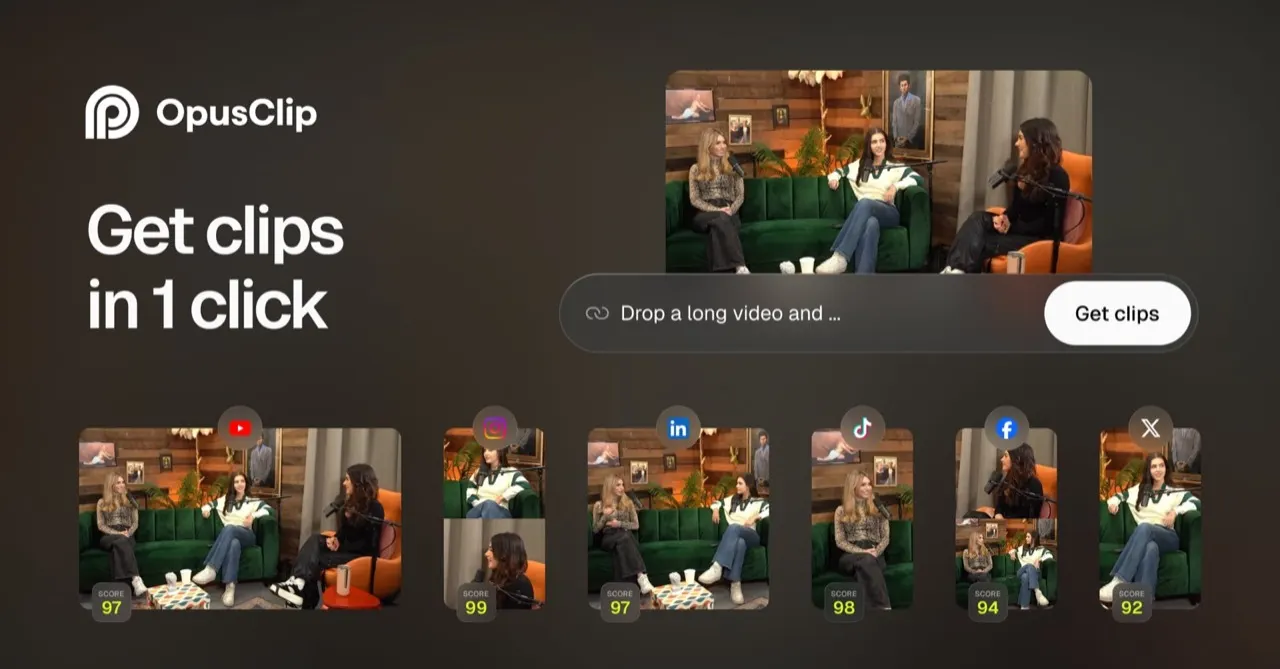
OpusClip picks the strongest moments, reframes them vertically, adds animated captions and scores each clip. Captions fits talking-head clips: it adds captions, trims pauses and can dub your video into other languages. Riverside and Descript also cut short clips from the episode you recorded there. Start with one tool and add a second only if you publish clips daily.
Can I go live and record the podcast at the same time?
StreamYard streams to YouTube, LinkedIn, Facebook and other platforms at once while it records a local track for each speaker. You can add branding and overlays during the show. That suits a weekly live format that you also publish as an audio episode. Riverside and Zencastr focus on recording rather than live shows.