







































































 Claude
- View all
- Automations
- Automatic follow-ups
- Inbox & calendar agent
- Meeting notes
- AI assistants
- Email writing
- Let AI do tasks
- Agents & automation
- Lead generation
- CRM
- Cold email
- Booking
- Restaurant bookings
- Email marketing
- Follow-ups
- AI sales agents
- Schedule posts
- Social media
- Marketing copy
- Online courses
- Paid newsletters
- Paid communities
- Digital products
- Sell products online
- Sell live
- Sell on marketplaces
- Cross-list your stock
- Ship orders
- Card payments in person
- Take payments
- Proposals
- Get paid faster
- Edit video
- Shorts & clips
- Record podcasts
- Publish podcasts
- Writing
- Images
- Photo editing
- AI video
- AI video clips
- Voice & music
- Presentations
- AI video editing
- 3D scenes
- Accounting
- Client onboarding
- Customer support
- Hiring
- Learning & teaching
- Track time and bill hours
- Staff rotas and time clock
- Host your website
- Build an app
- Code with AI
- AI support agent
- Connect Claude to my tools
- AI coding assistants
- Design apps & sites
- Voice & chat agents
- Design to code
- Ship and deploy
- Error triage
- Ask your database
- Enrich data
- Summarise docs
- Research
- Analyse data
- Web scraping
- Chat
- Personal assistants
- Video
Inbox & calendar agent
“Let an agent use my Gmail and Calendar”
1 of 2
An inbox agent needs two things: access to your mail and calendar, and a clear limit on what it may send without asking. Claude connects to Gmail and Google Calendar, so it can summarise threads, draft replies and suggest meeting times you approve. Gmail and Google Calendar are free with a Google account and include Gemini drafting and booking pages. Superhuman ($33 a month and up) is for people who live in email and want a faster keyboard-driven inbox with AI drafts on top.
Claude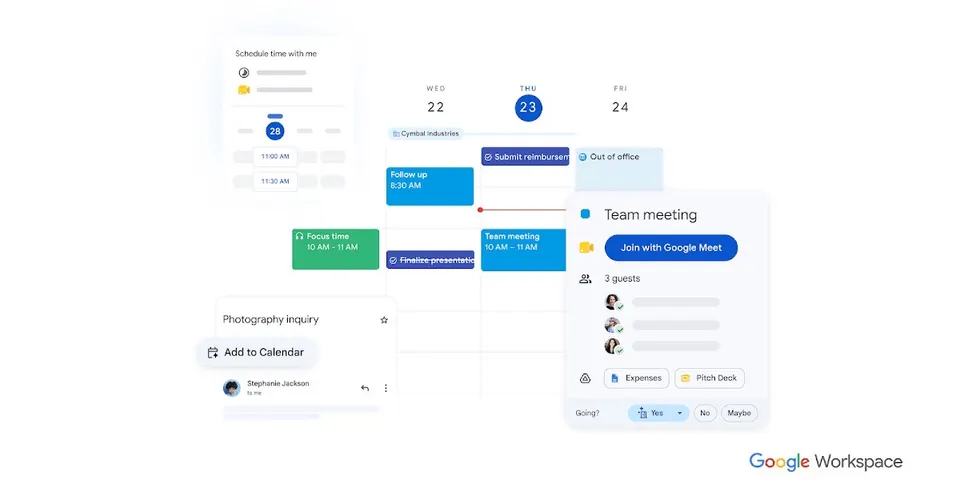

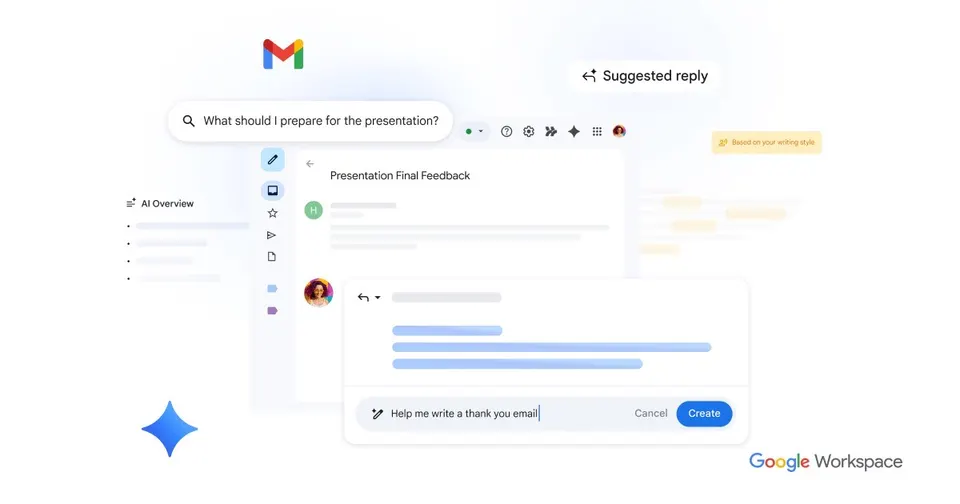

Gmail is Google's email service, free for personal use and available on your own domain through Google Workspace. Its spam filtering keeps junk out of your inbox, and search finds old messages fast. Gemini AI features help you draft replies and summarise long threads. It connects to Google Calendar, which suits anyone already using Google's apps.
Free planTry
 Superhuman



Side by side
Price, free plan, ease of use and the team size each one suits.
ToolPriceEase of useTeam size
Why these picks
Independent reviews, facts checked at the source, and our own use.
- Ranked from independent reviewsReviews read 2 Oct 2026
We score how often and how high each tool appears in independent best-of reviews.
 Zapier
 - Facts checked at the sourcePrices last checked 4 Oct 2026
Prices, free plans and offers come from each provider's own website, checked every week by our software and reviewed by us.
- Nobody pays for a place
The order comes from the reviews and the facts. Offers are only the providers' own.
Head to head
Pairs people weigh up that include one of these picks.

Connect them to AI
MCP setups that use these tools, step by step.
Questions
What people ask about inbox & calendar agent.
Is it safe to give an AI assistant access to my email?
Treat it like giving a new assistant your login: grant only what the job needs. Start with read and draft access, so Claude prepares replies and you press send yourself. Review which connections are switched on and remove any you no longer use. Keep client data that must stay confidential out of the agent's reach until you trust the setup.
Can I try an inbox agent for free?
Claude has a free plan, and Gmail and Google Calendar are free with a Google account. That is enough to test summaries, drafts and scheduling on your own inbox. Superhuman is paid only, from $33 a month. Paid Claude plans add more usage, which matters once you run the agent on a busy inbox every day.
Gmail already has Gemini. Do I need Claude or Superhuman too?
Gemini inside Gmail helps you draft replies and summarise long threads where you already work. Claude can look across your inbox and calendar together, for example to find a free slot and draft the reply that proposes it. Superhuman changes how you process mail: a split inbox, reminders on threads that need a reply and send scheduling. Try Gemini first, and add the others if you still spend hours on email.
How do I stop the agent sending emails I didn't approve?
Ask it to save drafts and hold every email for your approval, then check the drafts folder once or twice a day. For calendar invites, have it propose times in a message instead of creating events directly. Write your rules into the instructions: who it may reply to, which tone, which topics to leave for you. Widen its permissions only after a few weeks without mistakes.
Does an inbox agent work for a whole team?
Each person connects their own Gmail and Calendar, so the agent sees only that person's data. Google Workspace gives your team email on your own domain with shared calendars and booking pages. Claude, Gmail and Google Calendar all scale from solo use to large teams. For shared inboxes, agree who reviews the agent's drafts before anything goes out.