







































































 Claude
- View all
- Build an app
- Code with AI
- AI support agent
- Connect Claude to my tools
- AI coding assistants
- Design apps & sites
- Voice & chat agents
- Design to code
- Ship and deploy
- Error triage
- Lead generation
- CRM
- Cold email
- Booking
- Restaurant bookings
- Email marketing
- Follow-ups
- AI sales agents
- Schedule posts
- Social media
- Marketing copy
- Online courses
- Paid newsletters
- Paid communities
- Digital products
- Sell products online
- Sell live
- Sell on marketplaces
- Cross-list your stock
- Ship orders
- Card payments in person
- Take payments
- Proposals
- Get paid faster
- Edit video
- Shorts & clips
- Record podcasts
- Publish podcasts
- Writing
- Images
- Photo editing
- AI video
- AI video clips
- Voice & music
- Presentations
- AI video editing
- 3D scenes
- Accounting
- Client onboarding
- Customer support
- Hiring
- Learning & teaching
- Track time and bill hours
- Staff rotas and time clock
- Host your website
- Automations
- Automatic follow-ups
- Inbox & calendar agent
- Meeting notes
- AI assistants
- Email writing
- Let AI do tasks
- Ask your database
- Enrich data
- Summarise docs
- Research
- Analyse data
- Web scraping
- Chat
- Personal assistants
- Video
- Agents & automation
Error triage
“Triage my Sentry errors into Linear”
1 of 2
Error triage means deciding which crashes matter, grouping duplicates and handing each one to the right person. Sentry catches the errors and slow requests, Linear holds the resulting issues in its triage queue, and GitHub links each fix to the code. Claude sits on top through MCP, reading a Sentry error and drafting the Linear issue for you to approve. A solo developer can run all four on free plans; larger teams pay once volume grows.
Claude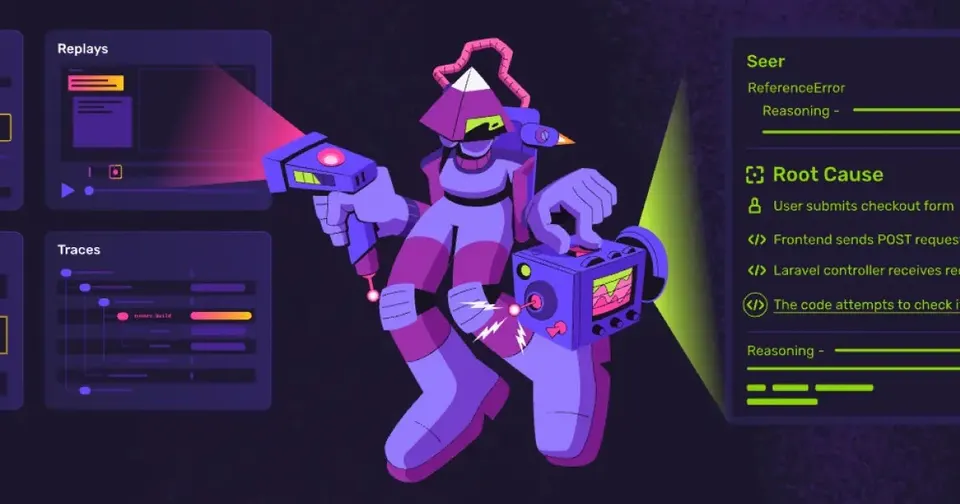












Side by side
Price, free plan, ease of use and the team size each one suits.
ToolPriceEase of useTeam size
Why these picks
Independent reviews, facts checked at the source, and our own use.
- Ranked from independent reviewsReviews read 2 Oct 2026
We score how often and how high each tool appears in independent best-of reviews.
 G2
G2 - Facts checked at the sourcePrices last checked 12 Oct 2026
Prices, free plans and offers come from each provider's own website, checked every week by our software and reviewed by us.
- Nobody pays for a place
The order comes from the reviews and the facts. Offers are only the providers' own.
Head to head
Pairs people weigh up that include one of these picks.
Connect them to AI
MCP setups that use these tools, step by step.
Questions
What people ask about error triage.
Should every Sentry error become a Linear issue?
No, and a one-to-one sync buries your backlog fast. Sentry already groups repeated events into one issue, so start from those groups. Create a Linear issue only for errors that hit customers or keep returning after a release. Mark the rest as ignored or resolved inside Sentry.
Can a small team triage errors without paying?
Sentry, Linear, GitHub and Claude each offer a free plan. Linear's free tier is aimed at small teams, and GitHub includes private repositories at no cost. Sentry's free plan suits a solo developer or a side project. You start paying when event volume or seats outgrow those limits.
We track bugs in GitHub Issues. Is Linear worth adding?
GitHub Issues works if your team is a few developers sharing one repository. Linear adds cycles, roadmaps and a triage inbox, and it does everything from the keyboard. Its GitHub integration updates an issue when the linked pull request ships, so status stays current. Teams with a product manager or several repositories tend to feel the gain first.
Can Claude do the first pass of triage for me?
With MCP servers for Sentry and Linear added in Claude Code or Claude Desktop, you ask Claude to review the newest errors. It reads the stack trace and context, suggests a priority and drafts a Linear issue with the details. You approve each action before Claude creates anything. It also helps when you open the related code in GitHub to find the cause.
Who should own error triage in a small team?
Rotate it weekly between developers so nobody becomes the permanent bug catcher. The person on duty clears the Sentry inbox, files Linear issues for real problems and assigns them. Keep the rule simple: anything that affects paying customers gets fixed in the current cycle. A short weekly review of open errors stops the queue from drifting.