














































Skip to content

Track time and bill hours

“Track my hours and bill clients for them”
1 of 2

A time tracker pays off when the hours you log end up on an invoice without retyping. Toggl Track starts a timer in one click from the browser, desktop or phone. Clockify lets a whole team track time on its free plan, and Harvest turns tracked hours and expenses into an invoice. Everhour sits inside Asana, ClickUp or Jira, and clockodo covers the German duty to record staff hours from €4 per user a month.

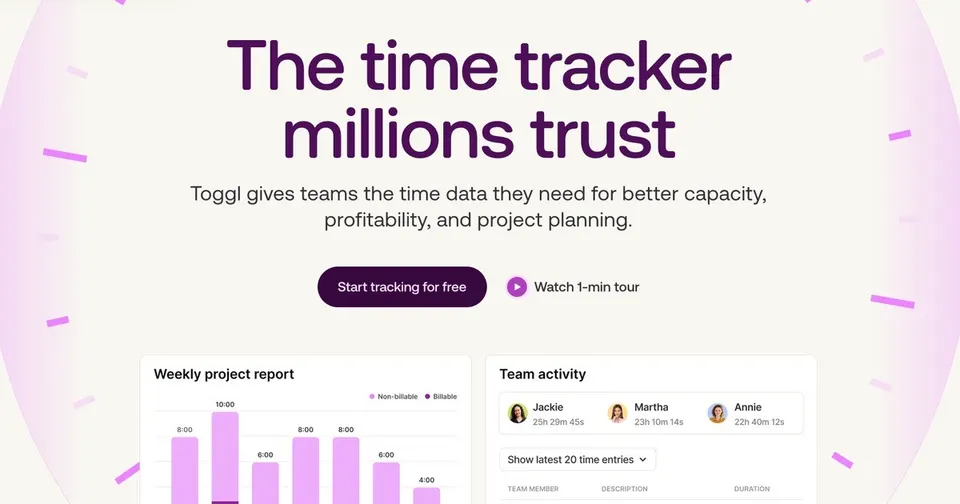
Toggl Track: One-click time tracking.

Toggl Track starts a timer with one click in the browser, on desktop or mobile, and inside many other apps through an extension. Freelancers and agencies report hours by client and project, set billable rates and see where the week went. A free plan covers small teams. It suits anyone who bills by the hour or wants to know what eats their time.

Free planTry
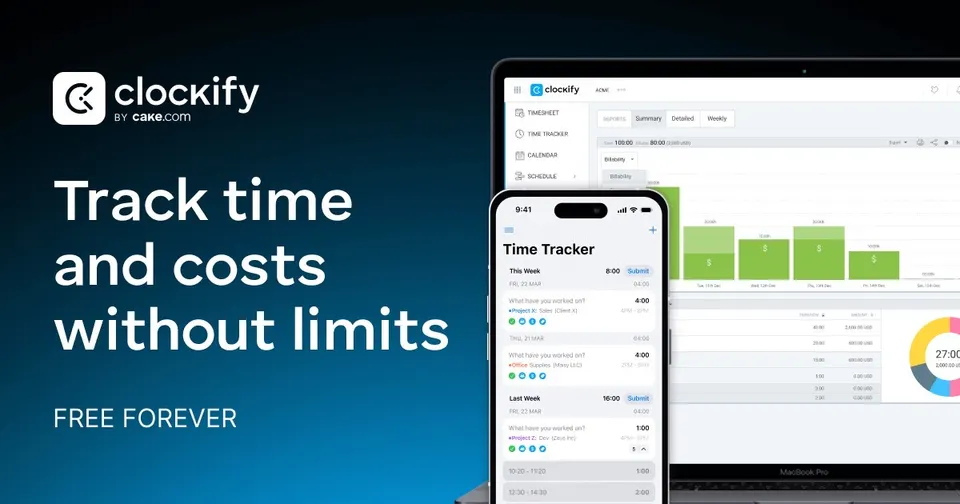
Clockify: Time tracking with a free plan for whole teams.

Time tracking with a free plan for whole teams.

Free planTry
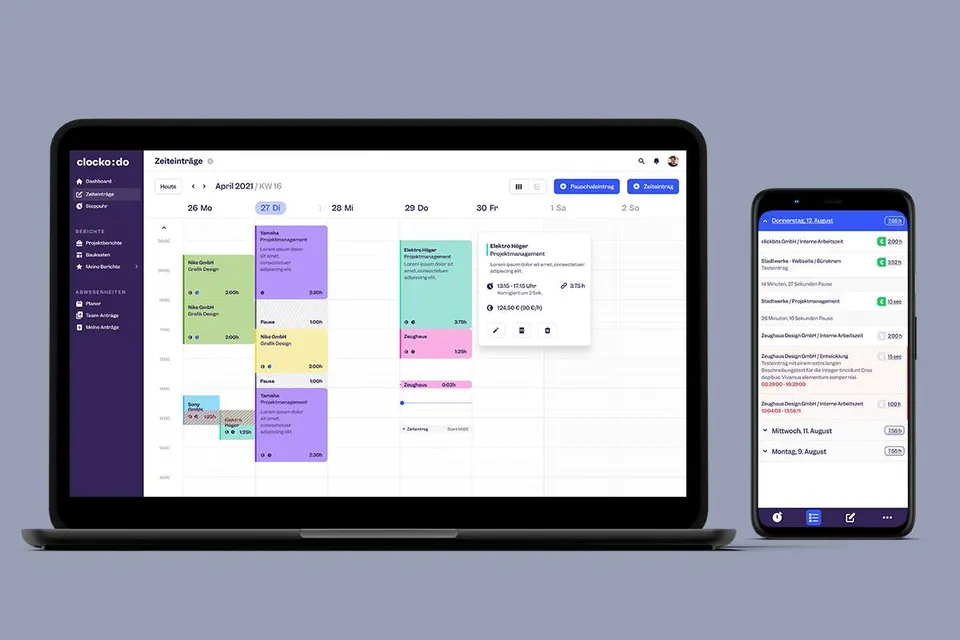
clockodo: Time tracking for German teams, from work hours to projects.

Time tracking for German teams, from work hours to projects.

Free planTry
Chaser: Payment reminders that chase unpaid invoices for you.

Payment reminders that chase unpaid invoices for you.

Pricing on requestTry

Side by side

Price, free plan, ease of use and the team size each one suits.
Toggl TrackFree plan4 months free on annual plansSolo, Small team, Growing team
ClockifyFree planSmall team, Growing team, Large team
HarvestFree planSolo, Small team, Growing team
clockodoFree planSolo, Small team, Growing team
EverhourFree planSmall team, Growing team

Why these picks

Independent reviews, facts checked at the source, and our own use.
  • Ranked from independent reviews

    We score how often and how high each tool appears in independent best-of reviews.

    Zapier logoZapier
    Reviews read 2 Oct 2026
  • Facts checked at the source

    Prices, free plans and offers come from each provider's own website, checked every week by our software and reviewed by us.

    Prices last checked 7 Oct 2026
  • Nobody pays for a place

    The order comes from the reviews and the facts. Offers are only the providers' own.


Questions

What people ask about track time and bill hours.

Toggl Track or Clockify for a freelancer starting out?

You can test each one on a free plan with a real week of client work. Toggl Track is quicker to start, with one-click timers in the browser and inside other apps through its extension. Clockify suits you better if you expect to add people soon, since its free plan has no cap on users. Pick the one whose reports match how your clients want to see hours.

Can I invoice clients straight from my tracked hours?

Harvest is built for this: you log hours and expenses against a project and turn them into an invoice without retyping. Clockify adds invoicing from tracked hours on its paid plans. Everhour feeds tracked time into client invoices and budget reports. If you already use separate invoicing software, check that the tracker exports hours in a format it can import.

Do German employers have to record staff working hours?

Yes, German employers must record the working hours of their staff, and clockodo is built around that duty. It logs start and end times, breaks and overtime, with apps for phone and desktop. The same entries can go against clients and projects, so one tool covers payroll and billing. Solo users get a free plan, and Basic starts at €4 per user a month.

My team plans work in Asana or Jira. Which tracker fits?

Everhour puts a timer, budgets and timesheets inside Asana, ClickUp, Trello and Jira. Your team tracks time on the task they are already looking at, so fewer hours go missing. It is free for up to 5 users, and paid plans start at $8.50 a month. Toggl Track and Clockify also connect to these tools through browser extensions if you prefer a separate app.

How do I stop forgetting to start the timer?

Pick a tracker with a browser extension or desktop app that shows the running timer at all times. Toggl Track and Clockify let you add a forgotten block afterwards on a timesheet, which beats guessing at month end. A short daily review of the day's entries catches gaps while you still remember them. Tracking inside your project tool, as Everhour does, also helps because the timer sits next to the task.