




































































 Figma
FigmaCollaborative interface design in the browser.
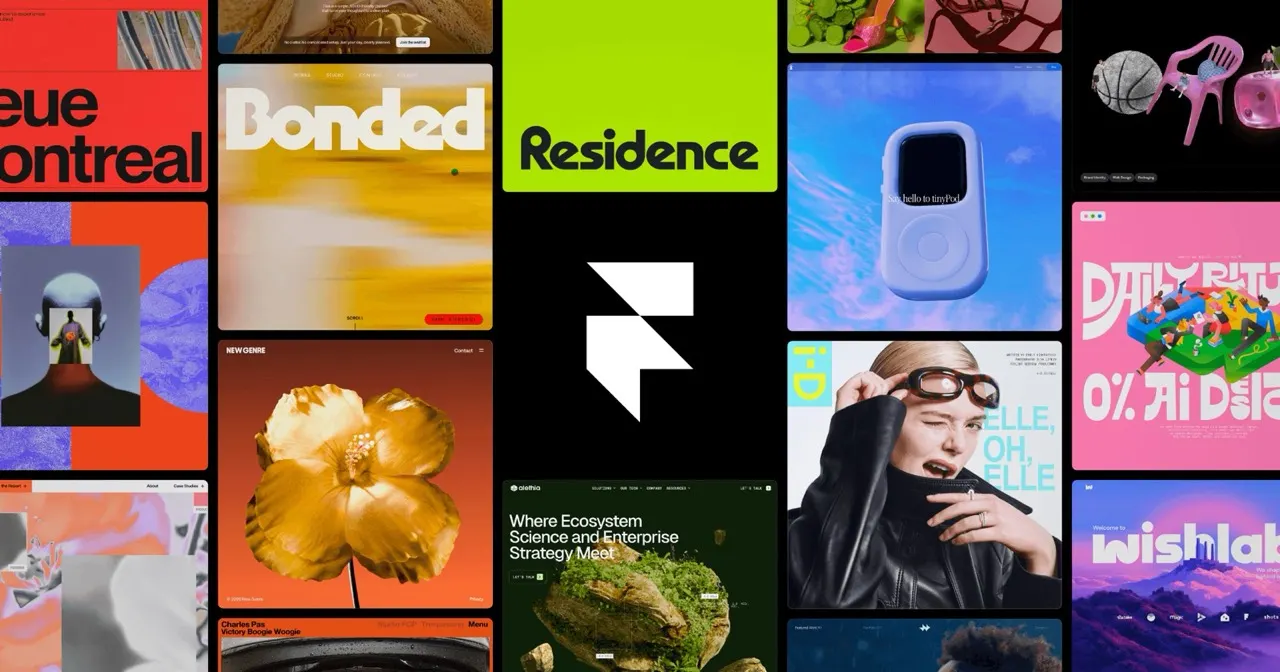
The right route from design to code depends on what you are shipping. For a marketing site, Framer publishes your design directly, with hosting, a CMS and SEO settings built in. For an app, v0 turns a prompt or screenshot into React and Next.js code you can keep and deploy to Vercel. Developers working in an existing codebase can point Cursor at the Figma file, where Dev Mode gives exact specs, and let its agent build the components.
We score how often and how high each tool appears in independent best-of reviews.
 Zapier
Prices, free plans and offers come from each provider's own website, checked every week by our software and reviewed by us.
The order comes from the reviews and the facts. Offers are only the providers' own.
Framer suits marketing sites: the designer builds and publishes without a developer, with animations and a CMS. v0 suits prototypes and new apps, generating React and Next.js code that you own and can deploy in one click. Cursor fits when the design must land inside an existing codebase, because its agent edits many files with your project's context. Pick by where the result has to live.
Figma, v0 and Cursor each have a free plan, which is enough to convert a few screens and judge the output. Framer has a free plan for trying it out; a site on your own domain needs a paid plan. Free tiers limit how much you can generate or how many editors join the file. Test with one real screen, including its mobile layout, before you commit.
Yes, mostly by cutting the slow first pass. Figma's Dev Mode gives your developer exact spacing, colours and assets without guessing from screenshots. Cursor can draft components from the design, which the developer then reviews and fits into the codebase. Framer frees the developer from marketing pages, so they spend their time on the product.
Generated code is a good draft and usually needs a developer's review before it goes to production. v0 outputs standard React and Next.js, which any React developer can read and extend. Cursor works inside your own codebase, so it can follow the components and conventions already there. Name your Figma layers and use consistent components, because tidy files produce tidier code.
A solo founder can design in Figma and ship a landing page with Framer, or a prototype app with v0, without hiring. Product teams get more from Figma's shared files, where designers, developers and marketers work together. Cursor scales from solo developers to large teams on the same codebase. Our data lists v0 for solo users and small teams, so larger teams usually pair Figma with Cursor.