








































































- View all
- Lead generation
- CRM
- Cold email
- Booking
- Restaurant bookings
- Email marketing
- Follow-ups
- AI sales agents
- Schedule posts
- Social media
- Marketing copy
- Online courses
- Paid newsletters
- Paid communities
- Digital products
- Sell products online
- Sell live
- Sell on marketplaces
- Cross-list your stock
- Ship orders
- Card payments in person
- Take payments
- Proposals
- Get paid faster
- Edit video
- Shorts & clips
- Record podcasts
- Publish podcasts
- Writing
- Images
- Photo editing
- AI video
- AI video clips
- Voice & music
- Presentations
- AI video editing
- 3D scenes
- Accounting
- Client onboarding
- Customer support
- Hiring
- Learning & teaching
- Track time and bill hours
- Staff rotas and time clock
- Host your website
- Automations
- Automatic follow-ups
- Inbox & calendar agent
- Meeting notes
- AI assistants
- Email writing
- Let AI do tasks
- Build an app
- Code with AI
- AI support agent
- Connect Claude to my tools
- AI coding assistants
- Design apps & sites
- Voice & chat agents
- Design to code
- Ship and deploy
- Error triage
- Ask your database
- Enrich data
- Summarise docs
- Research
- Analyse data
- Web scraping
- Chat
- Personal assistants
- Video
- Agents & automation
Follow-ups
“Automate follow-ups with leads”
1 of 2
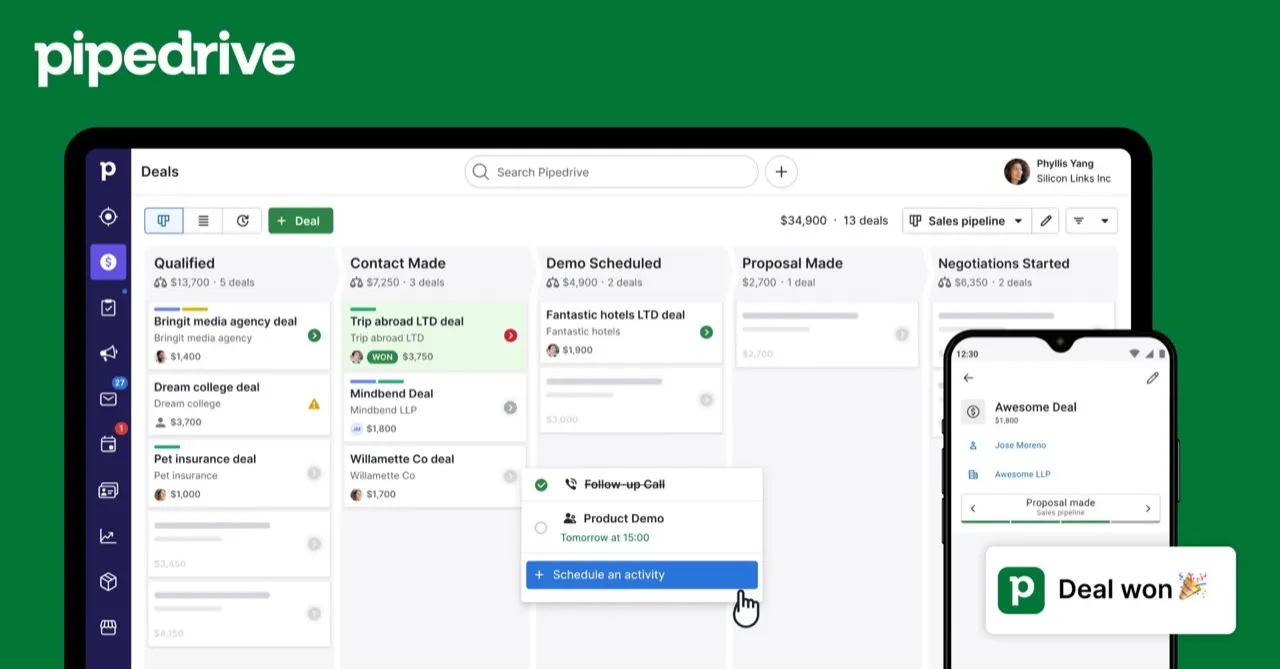
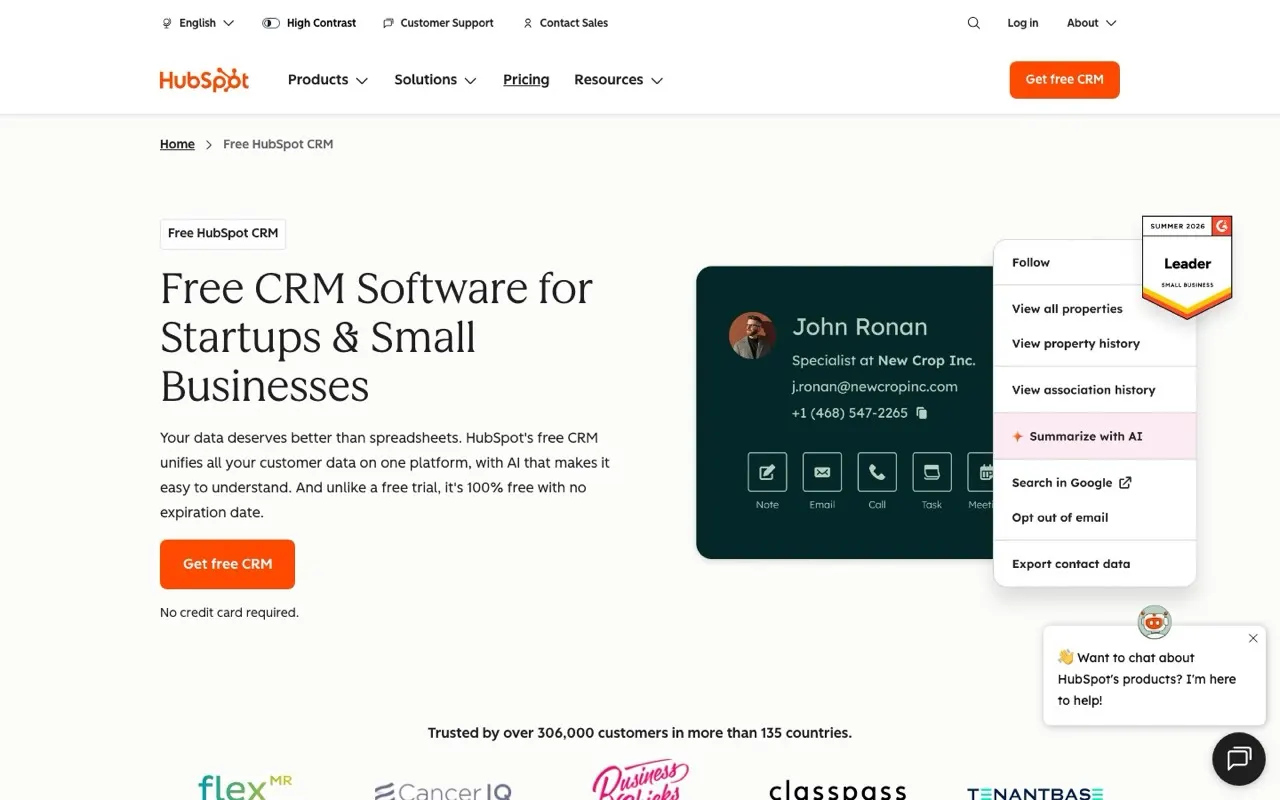
Leads go cold in the days after first contact, so the tool that reminds you or sends the next email matters more than the one with the longest feature list. Pipedrive puts each lead on a visual pipeline and nudges you when a deal sits still, from $14 a month. HubSpot starts with a free CRM and adds marketing and sales hubs as your team grows. Zapier suits you if you want to keep your current apps and only add the triggers that send the follow-up.








Side by side
Price, free plan, ease of use and the team size each one suits.
Why these picks
Independent reviews, facts checked at the source, and our own use.
- Ranked from independent reviewsReviews read 2 Oct 2026
We score how often and how high each tool appears in independent best-of reviews.


 Zapier, TechRadar, ZDNET, and Business News Daily
 - Facts checked at the sourcePrices last checked 1 Oct 2026
Prices, free plans and offers come from each provider's own website, checked every week by our software and reviewed by us.
- Nobody pays for a place
The order comes from the reviews and the facts. Offers are only the providers' own.
Head to head
Pairs people weigh up that include one of these picks.


Connect them to AI
MCP setups that use these tools, step by step.

Questions
What people ask about follow-ups.
Should I automate follow-ups with a CRM or with Zapier?
A CRM keeps the history of each lead in one place, so you see every email and call before you reach out again. Pipedrive and HubSpot both work this way. Zapier connects the tools you already have: a new form entry can create a contact and trigger the next step without a CRM in the middle. Pick a CRM once you have more than a handful of open deals, and Zapier while your list still fits in a spreadsheet.
Can I follow up with leads without paying for software?
HubSpot's free CRM stores contacts, deals and emails on one shared record at no cost. Zapier also has a free plan, enough for a few simple automations between your apps. Pipedrive needs a paid plan from day one, priced from $14 a month. Costs rise with volume: Zapier bills by task count, and HubSpot charges once you add paid hubs.
I already track leads in Gmail and a spreadsheet. Do I need a CRM?
You can go a long way with a spreadsheet if you contact a few people a week. The trouble starts when replies and reminders live in your head instead of a system. Zapier can bridge the gap by turning new rows or form entries into tasks and emails. Once you lose track of who you promised to call back, a pipeline in Pipedrive or HubSpot stops those calls slipping.
How many follow-ups should a sequence send before it stops?
Most small teams send two to four messages spread over two or three weeks, then pause the lead. Each message should add something new, such as a case, a price or a direct question. Pipedrive's automations and AI suggestions help you time the next activity on a deal. Stop the sequence as soon as the lead replies, so nobody gets a reminder after saying yes.
Are automated follow-up emails allowed under GDPR?
In Europe you need a lawful basis to email a lead, usually consent or a clear business relationship they started. A person who filled in your contact form or asked for a quote can normally receive follow-ups about that request. Cold lists bought from third parties carry far more risk. Keep an unsubscribe link in each email and record where every contact came from in your CRM.